Collection · 17 tools
Drawing Practice Tools
Drawing practice tools set up the conditions for regular practice: a subject, a clock, drills that score the eye, printable warm-up sheets, museum works for long study and a log of the hours. They are part of our free tools for artists, and they run on your own device.
Free · No sign-up · Runs in your browser
The collection · 17 tools
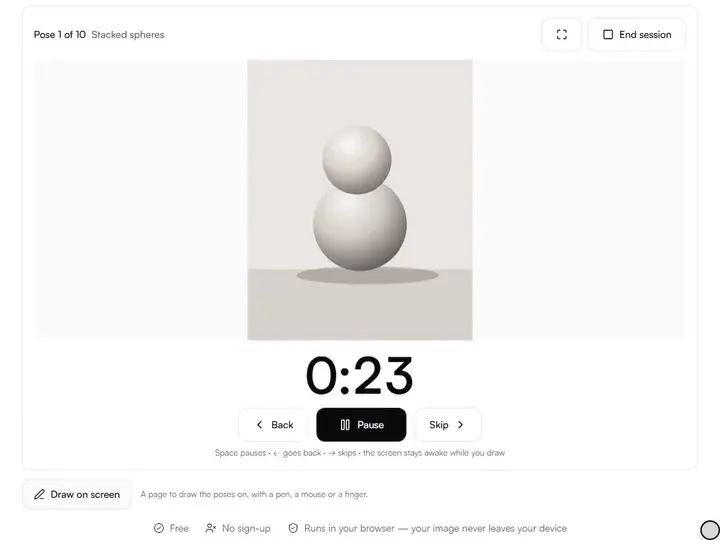
Gesture Drawing Timer
Timed gesture and figure drawing sessions with your own reference images, class-mode sequences and fullscreen focus.
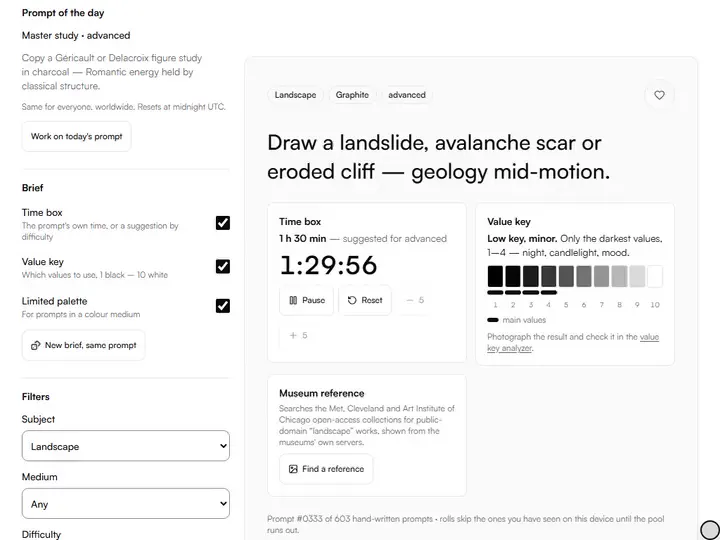
Drawing Prompt Generator
Hundreds of hand-written drawing prompts by subject, medium and difficulty, with a fresh prompt of the day.
Exports PDF
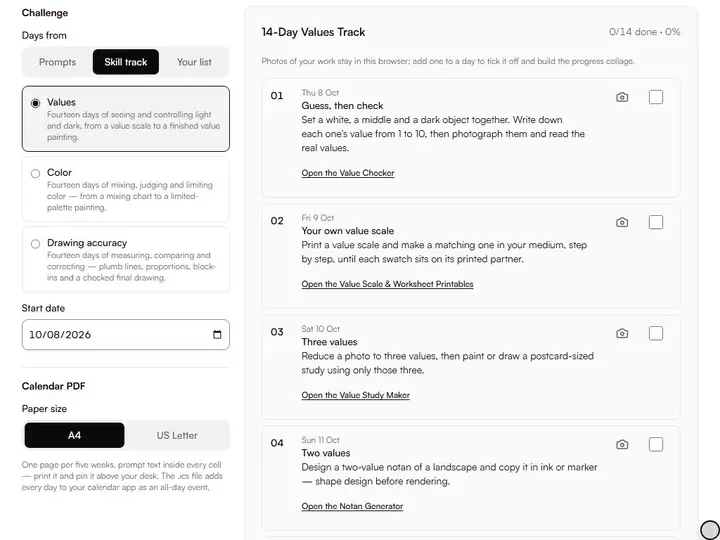
Art Challenge Generator
Build a 7-, 14-, 30- or 100-day art challenge with a theme and difficulty ramp, printable as a calendar.
Exports PDF · PNG
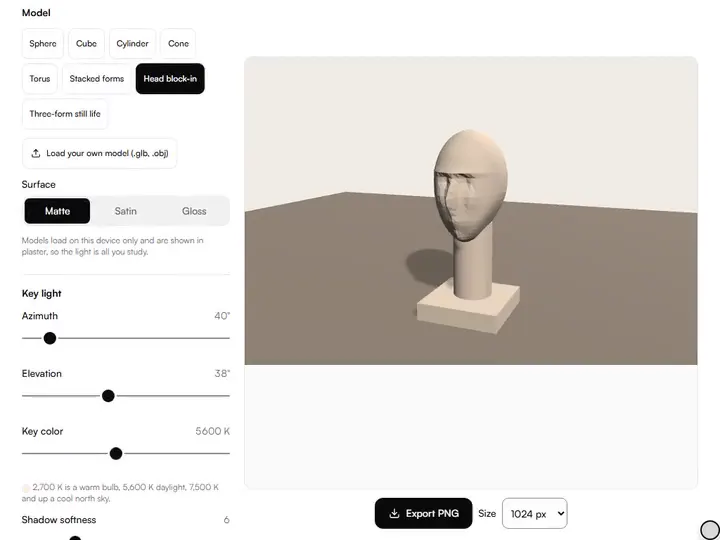
Light & Shadow Form Studio
A shading reference you can light: move a lamp around 3D forms and see highlight, light side, core shadow, reflected light and cast shadow, labeled.
Exports PNG
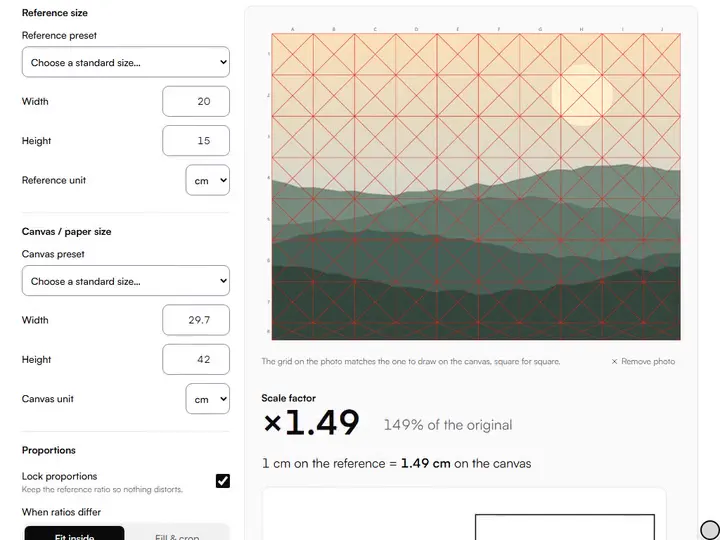
Drawing Scale & Enlargement Calculator
Scale any reference to any canvas or paper size and convert every measurement, proportion locked.
Exports PDF
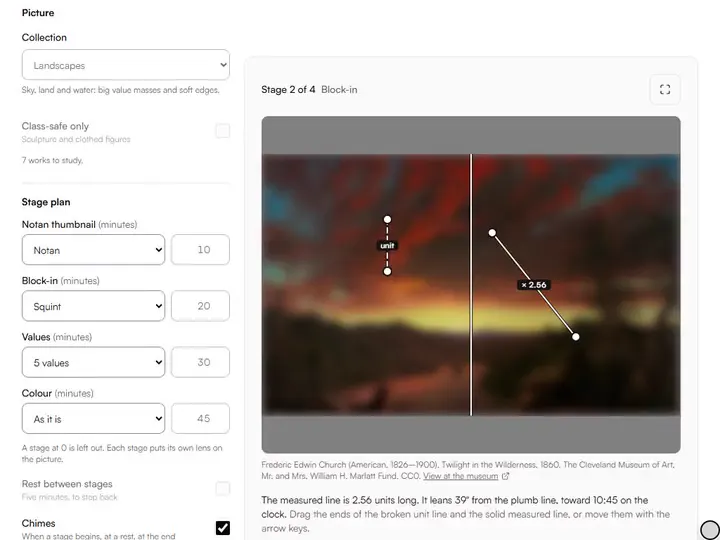
Master Study Mode
A master study in stages: a museum painting, lenses, plumb and level lines, a clock, and a photo check of your copy for drift and value.
Exports PNG
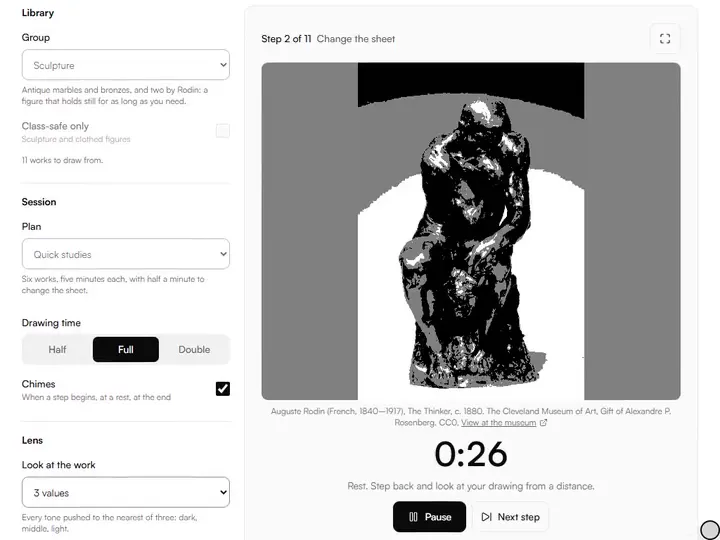
Classical Figure Reference Sessions
Figure drawing reference from the museum: sculpture, anatomy, drapery and master drawings, each credited, with plans for long poses and cast drawing.
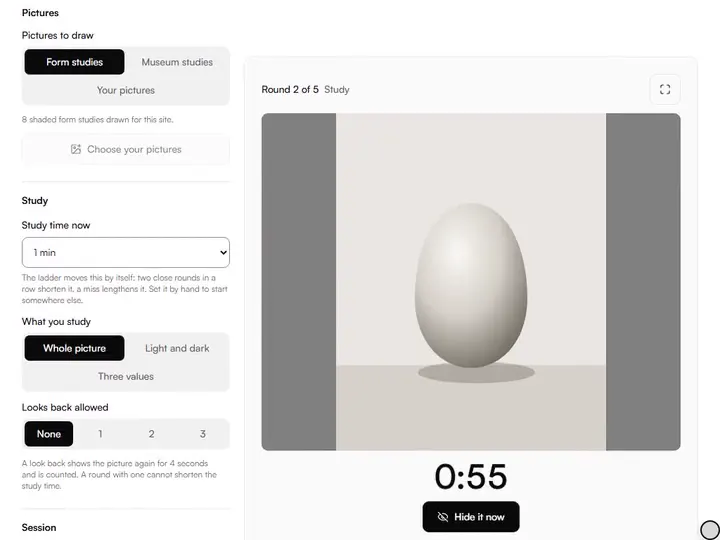
Memory Drawing Trainer
Study a picture, let it hide, draw it from memory, then compare. The study time shortens as you improve, and a photo of the drawing can be measured.
Exports CSV
Blind Contour Timer
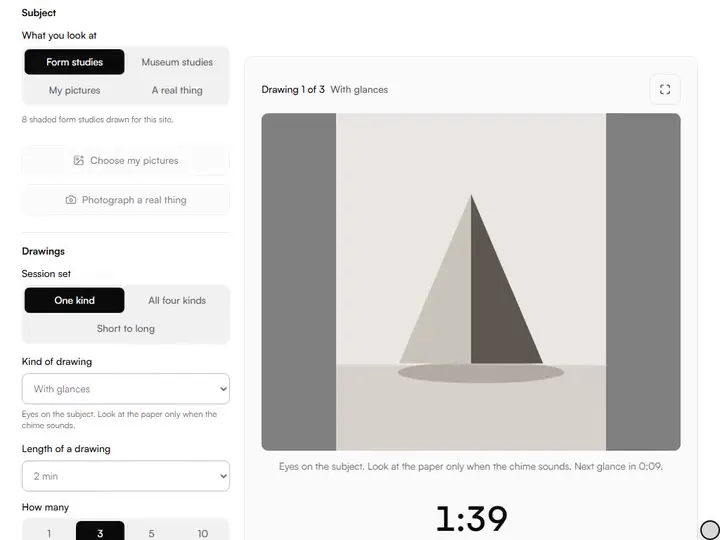
A calm timer for blind contour drawing: pure blind, timed glances, continuous line or other hand, with the subject shown large. Nothing is uploaded.
Exports CSV
Value Perception Drill
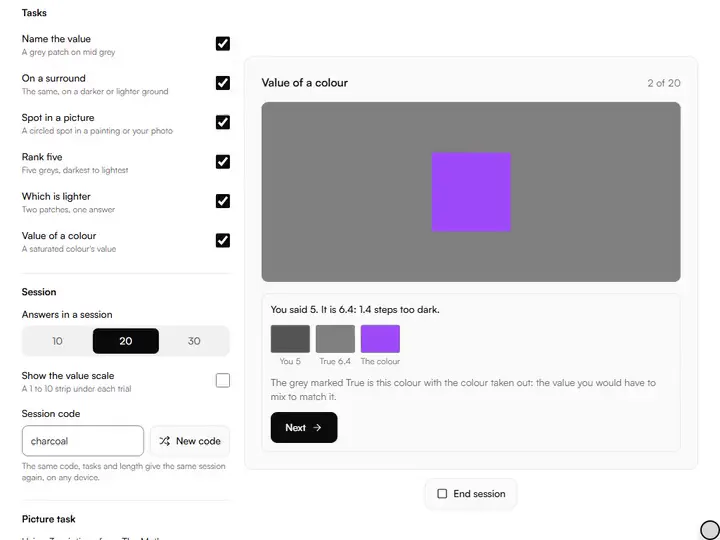
Six value tasks scored on the 1 to 10 scale: each answer comes back with its direction, and your lean in darks, mids and lights. Nothing is uploaded.
Exports CSV
Color Mixing Drill
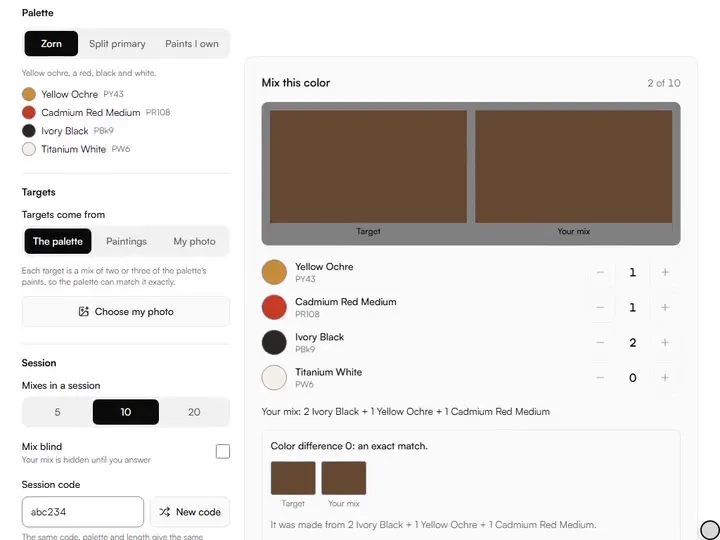
Match a target color by mixing named paints by parts. Each mix is scored by color difference and told which way it is out: too light, too cool, too grey.
Exports CSV
Proportion Drill
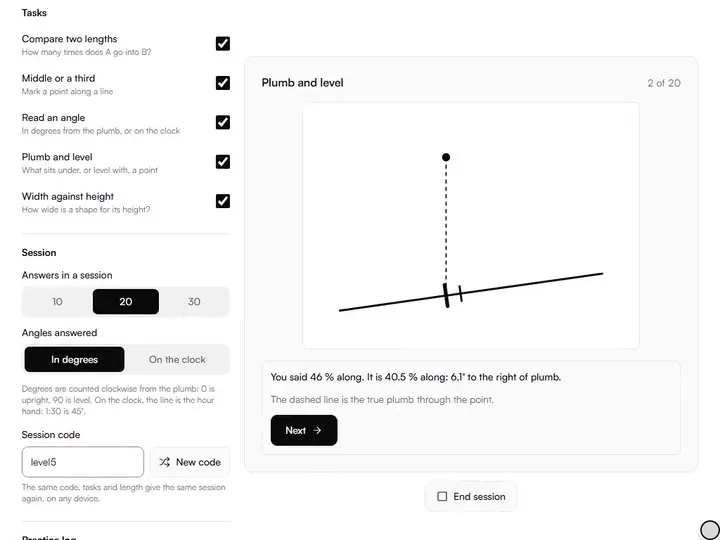
Judge lengths, midpoints, angles, plumb and level by eye. Each answer is scored against the drawn geometry, with the direction you were out.
Exports CSV
Line & Ellipse Drill Sheet Generator
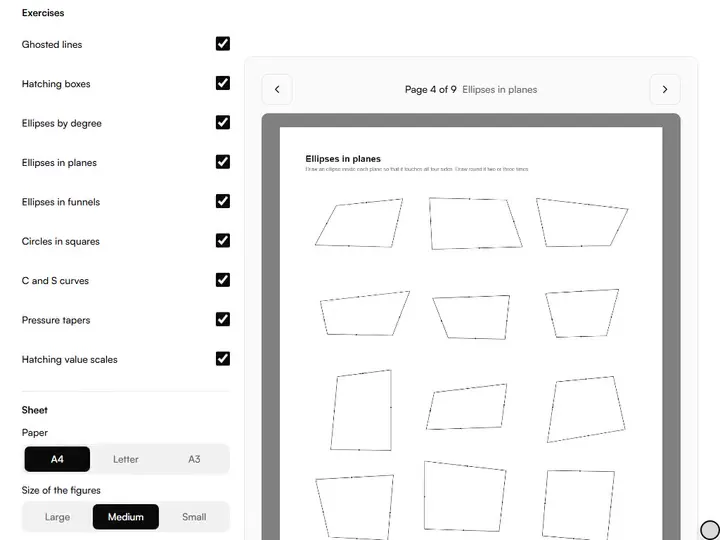
Printable warm-up sheets, new each time: ghosted lines, hatching boxes, ellipses at stated degrees, curves and tapers. A4, Letter or A3 PDF.
Exports PDF
Perspective Box Drill Generator
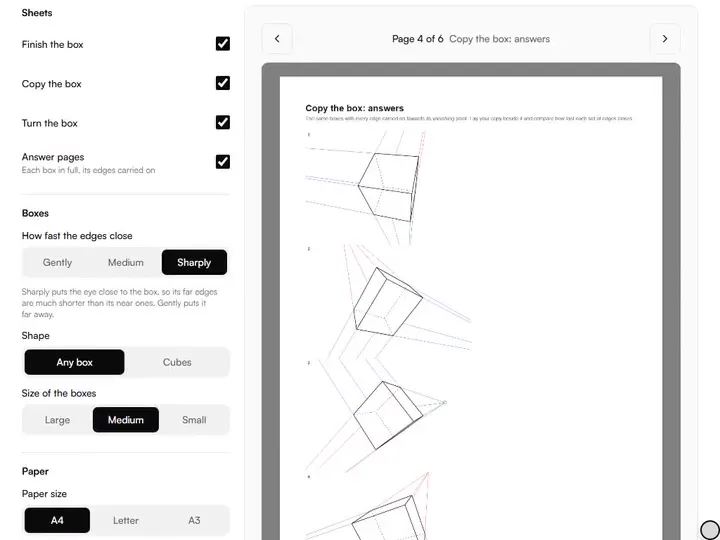
Printable box drawing practice: boxes turned at random to finish, copy or follow as they turn, each sheet with an answer page for checking.
Exports PDF
Practice Log & Streaks
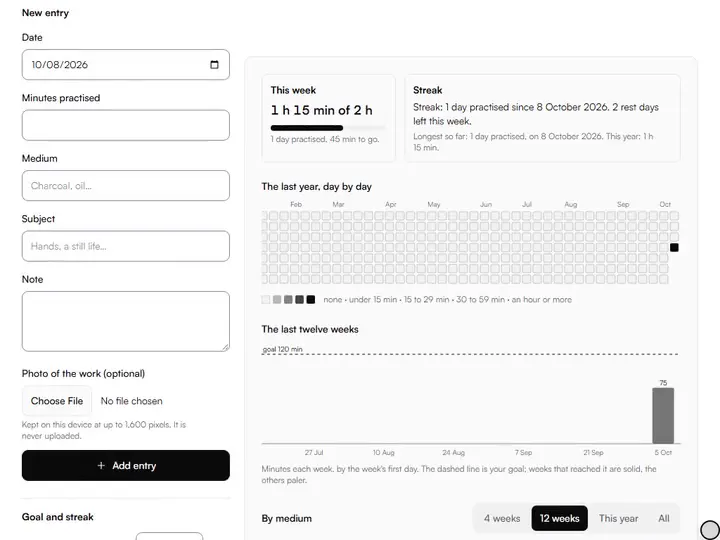
Log practice sessions and see the year as a heatmap, the weeks against your goal and a streak that allows rest days. Kept on your device.
Exports CSV · JSON · ZIP
Sketchbook Prompt Jar
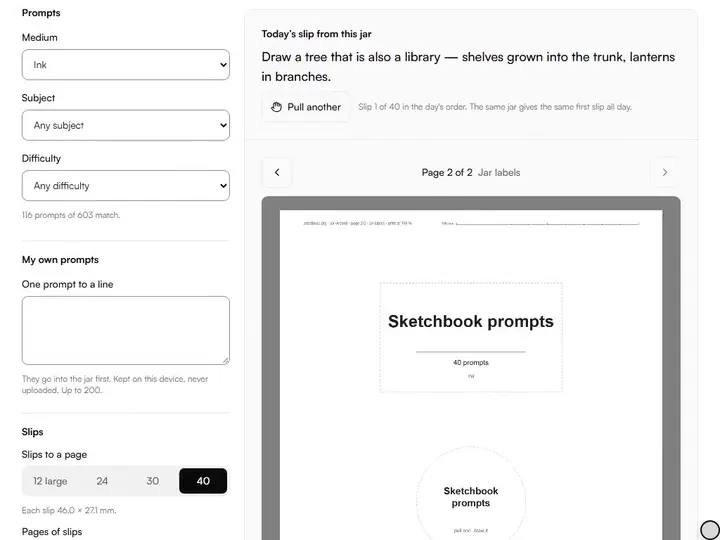
Sketchbook prompts on cut-out slips: choose medium, subject and difficulty from 603 prompts, add your own, and print a jar with its label.
Exports PDF
Calligraphy Guideline Generator
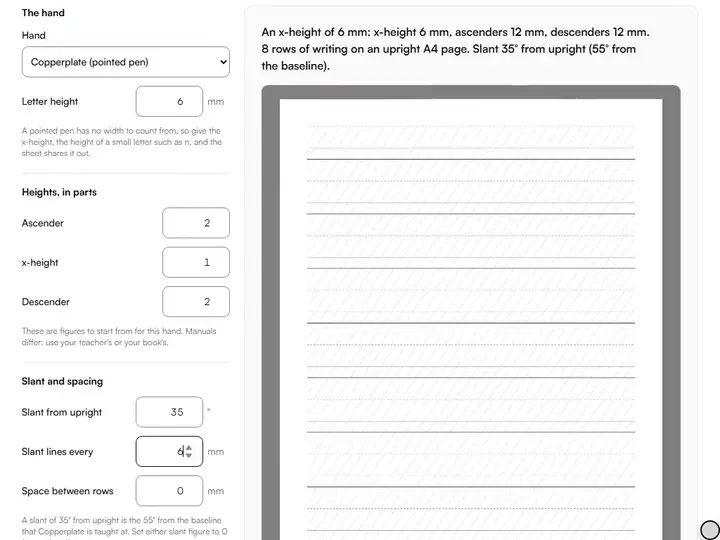
Printable calligraphy guide sheets set by your nib width: x-height, ascender, descender and slant lines for broad-edge and pointed-pen hands.
Exports PDF
On GridMakerPro
Grids and guides live on GridMakerPro, our sister site. Each link below opens that tool there, in a new tab.
- Perspective grid generatorOne, two, three and five-point perspective grids.Opens on GridMakerPro
- One point perspective gridA grid to a single vanishing point, for interiors and streets.Opens on GridMakerPro
- Three point perspective gridTwo points on the horizon and one above or below.Opens on GridMakerPro
- Five-point perspective generatorThe curved fisheye grid.Opens on GridMakerPro
- Isometric grid makerThe 30° grid for drawing objects without vanishing points.Opens on GridMakerPro
- Dimetric grid generatorAn axonometric grid with two of its three scales equal.Opens on GridMakerPro
- Trimetric grid generatorAn axonometric grid with three different scales.Opens on GridMakerPro
- Anamorphic grid generatorThe stretched grid for pavement art and floor pieces seen from one spot.Opens on GridMakerPro
How they fit together
One practice session, start to finish
The drawing practice tools are set out below in the order an artist reaches for them, and each is one of our free tools for artists.
A session starts with a subject, because deciding what to draw is where daily practice most often stalls. The drawing prompt generator picks one by subject, medium and difficulty from a hand-written list, and gives a fresh prompt of the day for anyone who would rather not choose at all.
Warm-up is timed. The gesture drawing timer runs short poses from your own reference images in a set sequence, so the clock, not the drawing, decides when to move on, which is what trains the eye to find the action of a figure before its contours. Longer studies follow in the same session, and the light and shadow form studio labels where the highlight, light side, core shadow, reflected light and cast shadow fall on a lit form.
Drills test one judgement at a time and say which way you lean. The value perception drill asks for a value on the 1 to 10 scale and tells you, zone by zone, whether you read too light or too dark; its neighbours do the same for a colour mix and for proportion, and two printable packs give the hand its lines, ellipses and boxes.
Long study has its own tools. In master study mode, a museum painting sits beside a plan of four stages, measuring lines and a check of your copy from a photo; the figure sessions give sculpture and master drawings the same patience, and the memory and blind contour trainers can draw from those pictures too.
Across weeks, the structure matters more than any one session. The art challenge generator builds a 7-, 14-, 30- or 100-day challenge around a theme with the difficulty planned to rise, and prints it as a calendar to keep beside the easel.
A habit holds when you can see it. The art practice tracker keeps each session's minutes on your device, with the weeks against a goal you set and a streak that allows rest days, and the timers and drills add their sessions to it once you turn that on.
Lettering is practised on ruled lines. The calligraphy guideline generator rules a sheet from the width of your own nib, with the baseline, waistline, ascender and descender lines, slant lines at any angle and a nib ladder to check the pen against.
Questions about drawing practice tools
The 3 questions below give the length of a gesture drawing, tell a prompt from a challenge, and say whether figure practice needs a live model.
How long is a gesture drawing?
A gesture drawing lasts from 30 seconds to about 2 minutes per pose. The short limit stops you drawing outlines and details and makes you draw the movement of the whole figure, which is the skill gesture practice exists to build.
What is the difference between a drawing prompt and a challenge?
A prompt is a single subject for one drawing; a challenge is a sequence of prompts across a set number of days, with the difficulty planned to rise. Prompts solve today's blank page, and challenges build a habit.
Do I need a live model for figure practice?
No, you do not need a live model for figure practice. The gesture timer runs sessions from your own reference photographs, and 3D figure models cover poses and angles you cannot photograph. A live model adds weight and depth that photographs flatten, so it is worth a class when one is available.
More from our family