Collection · 12 tools
Artwork Photo Tools
Artwork photo tools correct the two things a camera gets wrong about a painting (its shape and its color) and prepare references and prints at the right size. Like all our free tools for artists, they process every photo on your device.
Free · No sign-up · Runs in your browser
The collection · 12 tools
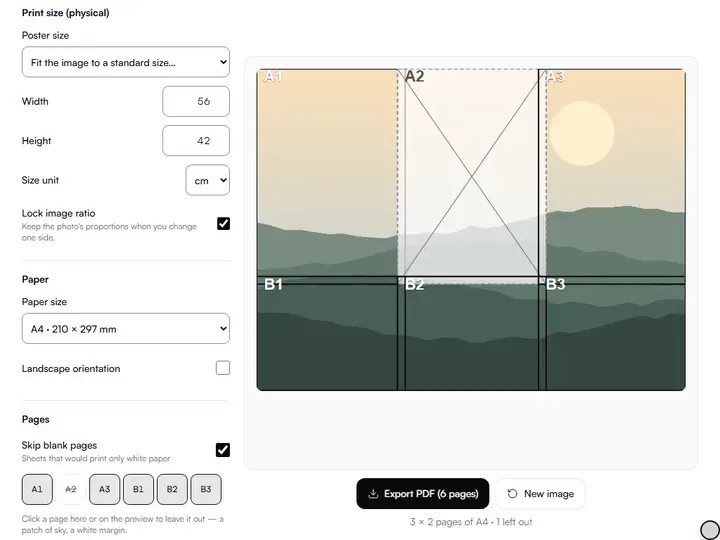
Large Print Tiler
Print any image at true size across as many A4 or Letter pages as it takes, with overlaps and alignment marks.
Exports PDF
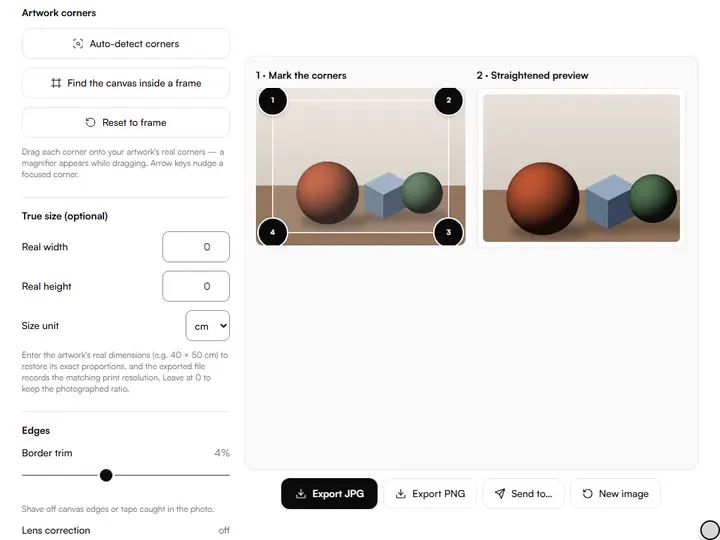
Artwork Photo Straightener
Fix the perspective of a photo of your artwork so it is flat, square and true to its real proportions.
Exports JPG · PNG
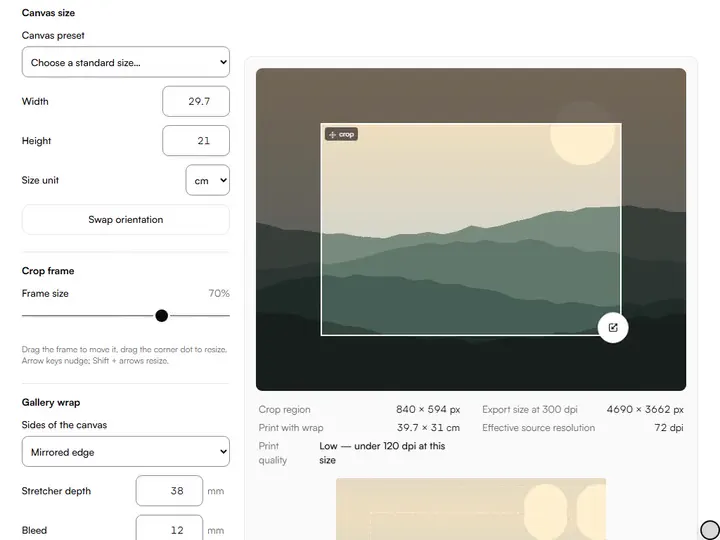
Crop to Canvas Size
Crop an image to the aspect ratio of your canvas or paper, so your reference has the surface's exact proportions before you start drawing.
Exports PNG · JPG · TIFF · ZIP
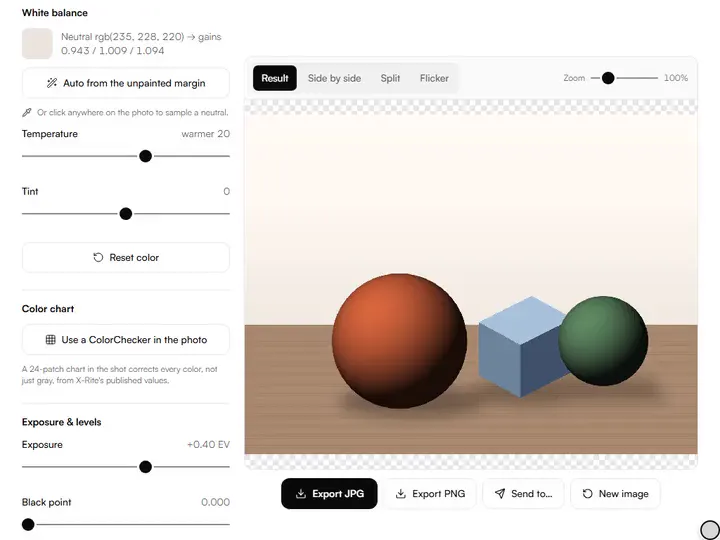
Artwork White Balance & Color Fix
Correct the color of artwork photos with one click on a neutral area, plus exposure and level controls.
Exports JPG · PNG · ZIP
Background Remover
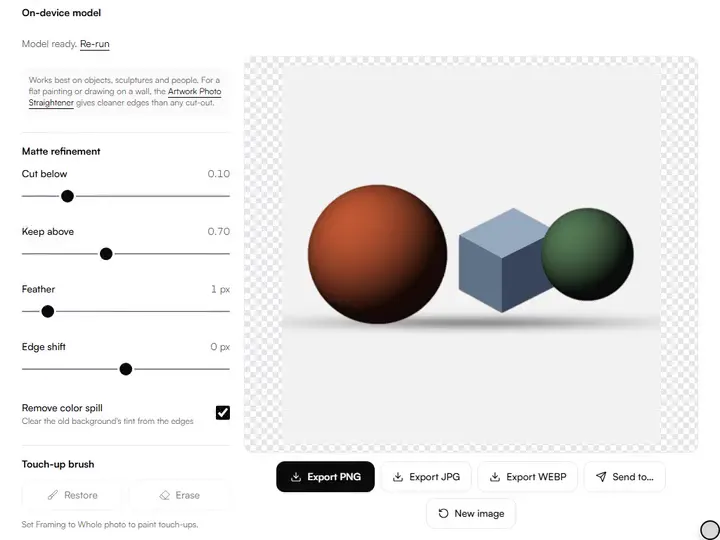
Remove photo backgrounds on your device with an on-device model: no uploads, no sign-up.
Exports PNG · WEBP · JPG · ZIP
Art Metadata Editor & AI Opt-out Tagger
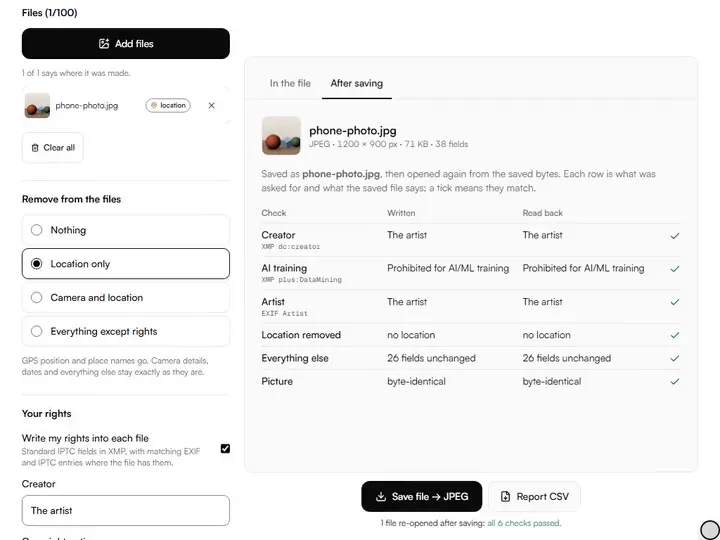
An image metadata viewer and editor: see what a photo file says about you, remove location or camera data, and write in your rights and AI-training choice.
Exports JPG · PNG · WEBP · ZIP
Competition Submission Exporter
Export your art images to an open call's pixel size, file-size limit and file names, with a measured pass or fail for every file.
Exports ZIP · JPG · PNG · CSV
Reference Shadow/Highlight Recovery
Lift a reference photo's shadows and calm its highlights area by area, with values read before and after and what is truly lost marked.
Exports PNG · JPG
Artwork Photo Color-Accurate Export
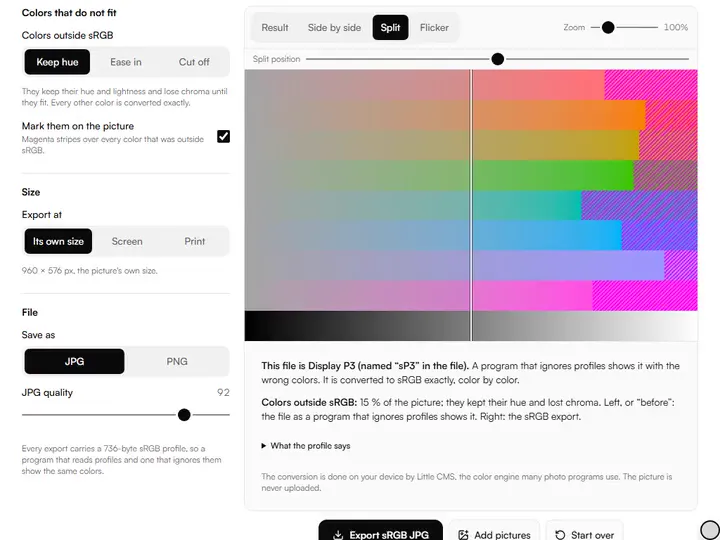
Convert artwork photos to sRGB: the file's profile named, colors that did not fit shown, sized and sharpened for web or print.
Exports JPG · PNG · ZIP
Photo Upscaler for Prints
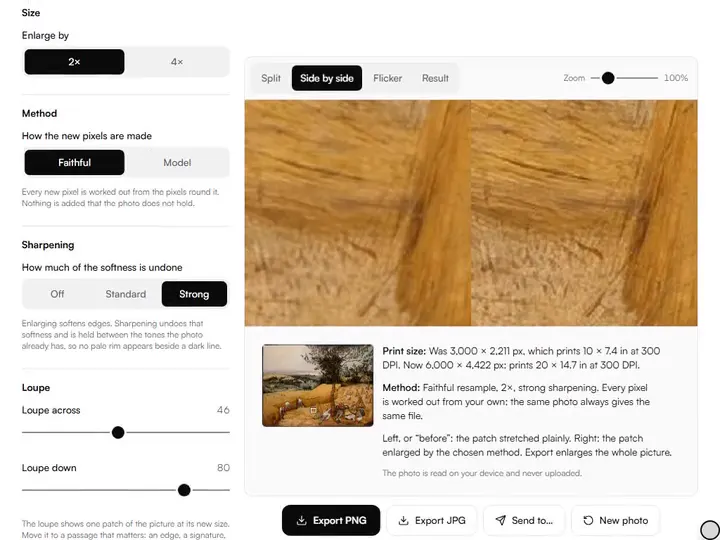
An image upscaler for artwork photos, 2× or 4× for print: a faithful resample beside a model that keeps your marks, a loupe, the print size stated.
Exports PNG · JPG
Artwork Scanner (Multi-Shot Stitch)
Join 2 to 9 overlapping photos of a large artwork into one flat picture: matched by their detail, exposure balanced, nothing invented.
Exports PNG · JPG
Sketch Cleaner
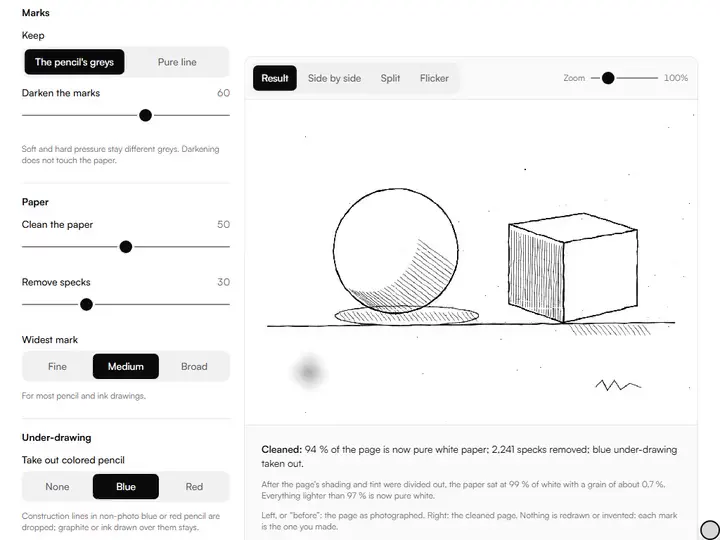
Clean a photographed or scanned sketch: lighting evened, paper made white, your own marks kept as greys or pure line, as PNG or SVG.
Exports PNG · SVG · ZIP



How they fit together
Photographing a finished piece, in order
The artwork photo tools are set out below in the order an artist reaches for them, and each is one of our free tools for artists.
Geometry comes first. A camera held even slightly above or below the center of a painting records a trapezoid instead of a rectangle, and the artwork photo straightener maps the four corners you mark back to a rectangle, at the artwork's real proportions once you enter its measured size.
Color comes second, on the straightened image, with the wall cropped away so it no longer distracts the eye while you judge the correction. The artwork white balance tool corrects the cast from one click on an area that should be neutral, a gray card or the white of the canvas edge, with exposure and levels for the rest.
Presentation comes last. The background remover cuts a sculpture, a ceramic or a framed piece away from its setting with a model that runs on your device, and the crop and print tools prepare the same file for a canvas ratio or a print across several pages.
Some work does not fit one frame. A large canvas or a mural is photographed in overlapping pieces, and the artwork scanner finds where each piece continues the next, matches their exposure and joins them into one picture, which then goes to the straightener like any other.
The file itself is the final step. The sRGB export names the color profile a photo carries, converts it to sRGB so that a phone, a shop page and a print lab all read the same colors, and sizes and sharpens the copy for where it is going.
A print needs more pixels than a small file has. The photo upscaler for prints enlarges a picture by a resample that adds no detail of its own, or by a model that runs on your device, and says what print size the result reaches at the resolution you choose.
Two tools serve the drawing table instead of the finished piece. The sketch cleaner turns a photographed sketch into white paper and your own marks, and the shadow and highlight recovery tool opens the dark parts of a reference photo without moving its middle values.
Questions about artwork photo tools
The 3 questions below explain why photographed paintings change color, which light suits the job, and whether a phone is enough.
Why do photos of paintings come out the wrong color?
Photos of paintings come out the wrong color because cameras set white balance automatically by assuming the scene averages out to gray, and a painting that fills the frame with one dominant color breaks that assumption. Warm indoor bulbs and mixed daylight add a cast on top, which one click on a known neutral removes.
What light is best for photographing artwork?
Even, diffuse light from two sides at 45 degrees to the surface, with the flash off, is the standard setup for photographing flat artwork. The angle sends glare away from the lens, and matching both sides keeps the light even across the surface.
Can I photograph artwork with a phone?
Yes, you can photograph artwork with a phone. A current phone camera records enough pixels for web images and small prints, and the usual faults (keystoning, glare and color cast) come from the setup, not the sensor. Straighten and white-balance the photo afterwards, and keep the original file as your master.
More from our family