Collection · 17 tools
Color Tools for Artists
Color tools for artists describe a color by its three attributes (hue, value and chroma) and model how pigments mix on a palette, which is not how light adds up on a screen. This collection of our free tools for artists takes a color from reference to recipe, entirely in your browser.
Free · No sign-up · Runs in your browser
The collection · 17 tools
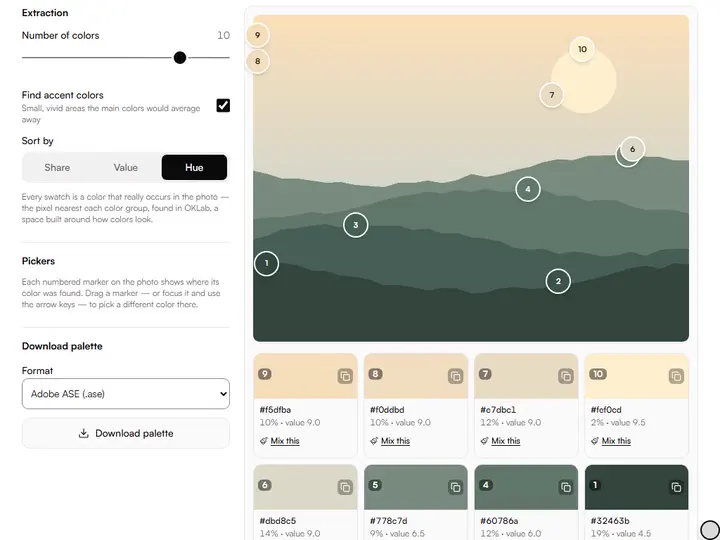
Color Palette Extractor
Pull the real palette out of any image (proportions, values and color codes included) and export it anywhere.
Exports PNG · ASE · GPL · CSS · JSON
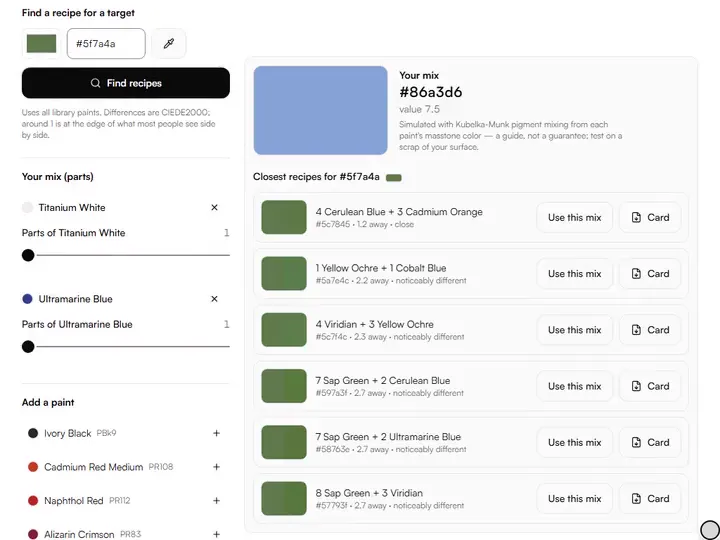
Paint Mixing Simulator
Mix real artist pigments by parts and see the color you would actually get on the palette, then find recipes for any target.
Exports PNG · PDF
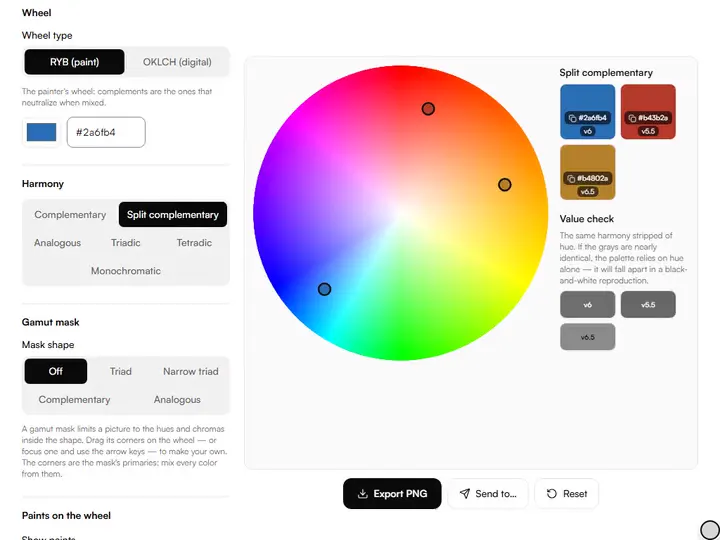
Color Wheel & Harmony Tool
A painter's RYB wheel and a digital OKLCH wheel in one: explore harmonies and check the values behind them.
Exports PNG · CSS · JSON
Limited Palette Previewer
Preview how your reference would look painted with a Zorn or any limited palette, mixing gamut included.
Exports PNG
Tint, Shade & Tone Generator
Generate tints, shades and tones of any color: digitally or the way real paint would mix them.
Exports PNG · CSS · ASE · GPL
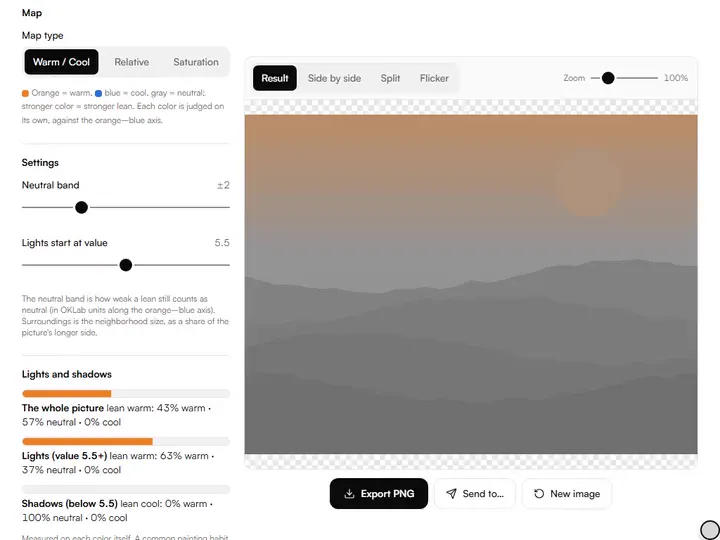
Color Temperature & Saturation Map
See where your reference runs warm or cool, saturated or quiet: the maps painters squint for.
Exports PNG
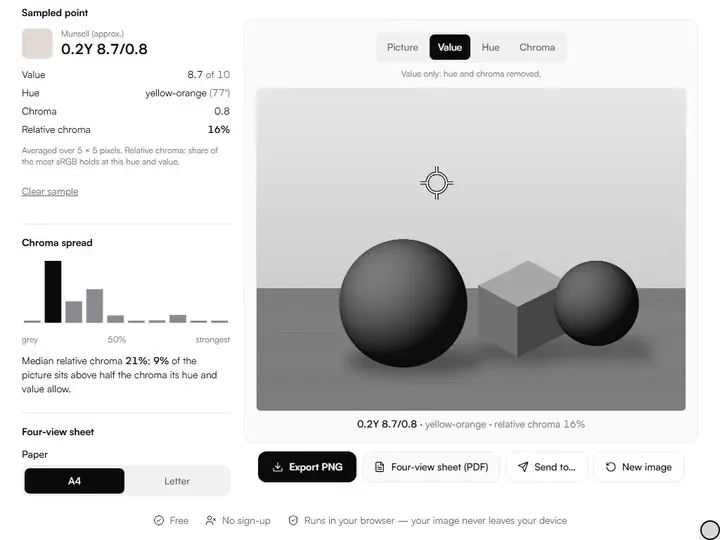
Hue / Value / Chroma Separator
Split any image into value-only, hue-only and chroma-only views: the Munsell way.
Exports PNG · PDF
Munsell Color Converter
Hex and RGB to approximate Munsell notation, with nearest-chip display and honest limits.
Exports PDF
Skin Tone Mixing Guide
Click the light, halftone and shadow on a portrait reference and get paint recipes from your palette.
Exports PNG · PDF
Complement Neutralizer
Find the paint or mix that neutralizes any color to a gray of the value you choose.
Exports PDF
Color Isolator
Click a colour to see everywhere else that mix appears, or keep one hue family in colour while the rest goes gray.
Exports PNG
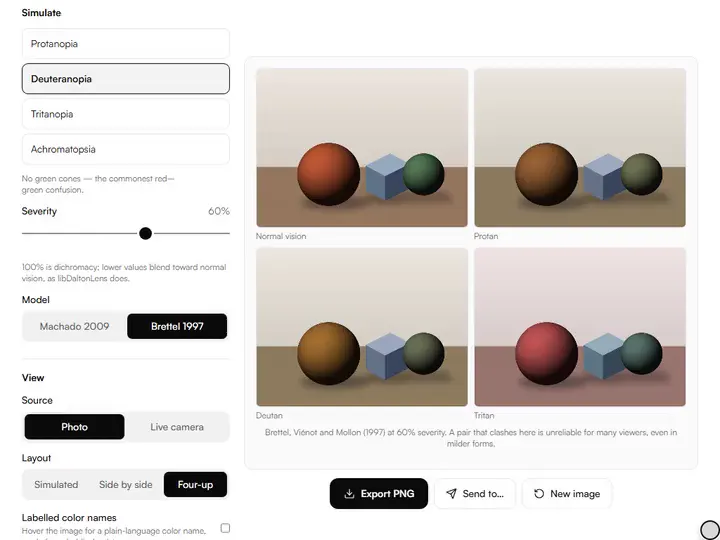
Color Blindness Simulator for Artists
See your image or palette through protan, deutan and tritan eyes, with clash warnings.
Exports PNG
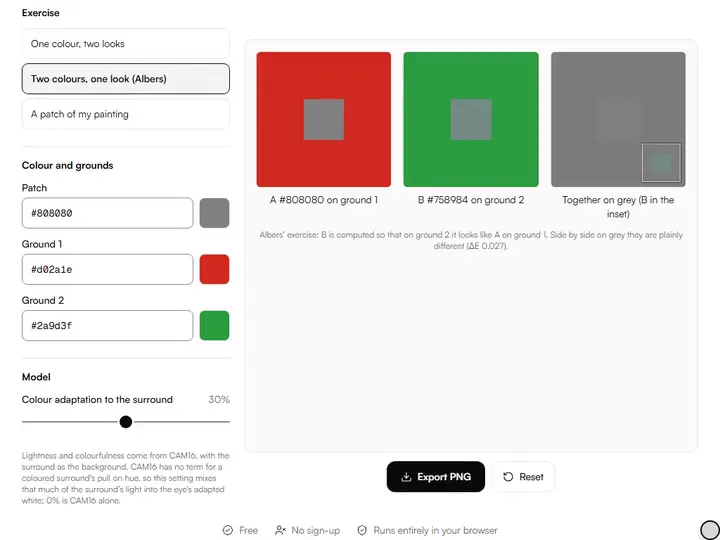
Simultaneous Contrast Lab
The same patch on different surrounds. See and export the classic teaching card.
Exports PNG
Masterwork Palette Library
Palettes of 30 public-domain masterworks, 4 to 12 colours with their shares, browsable by artist, period and museum.
Exports ASE · GPL · CSS · JSON · CSV
Palette Format Converter
Convert a palette between ASE, ACO, GPL, Procreate, Clip Studio, ACT, PAL, Paint.NET, CSS, JSON, SVG and PNG, in your browser.
Exports ASE · GPL · CSS · JSON · PNG · ZIP
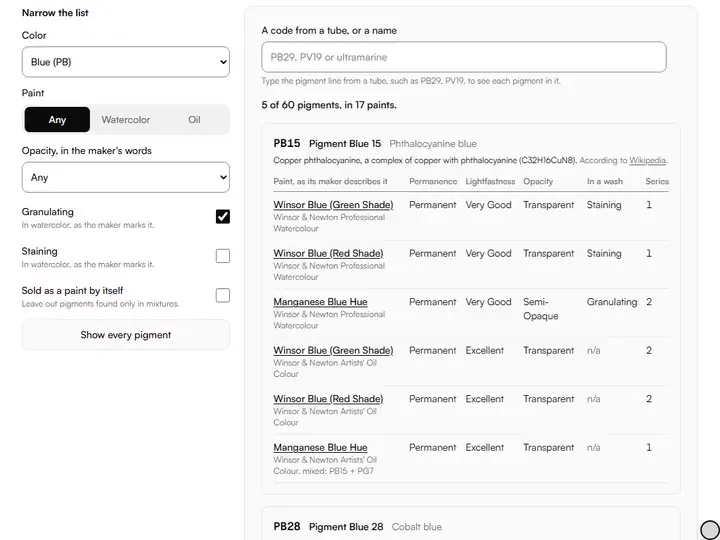
Pigment Encyclopedia
A pigment database by tube code: what each pigment is, the paints made of it, and their maker's own permanence, opacity and granulation, with sources.
Exports CSV
Photo to Paint Recipe Sheet
A reference's main colours, each with a mixing recipe from one set of paints, how close it comes, and what those paints cannot reach. One printed page.
Exports PDF







How they fit together
From the colors in a reference to a mixed palette
The color tools are set out below in the order an artist reaches for them, and each is one of our free tools for artists.
Color planning starts from what is in front of you. The color palette extractor pulls the dominant colors out of a reference with their proportions and values, which shows whether the picture is built on a few strong notes or on many quiet ones, and the temperature map shows where it runs warm or cool.
Harmony is the next decision. The color wheel places the extracted colors on a painter's RYB wheel and a perceptual OKLCH wheel, marks complementary, analogous and triadic relationships, and shows the value behind each hue, because two harmonious hues at the same value read as one flat shape.
Then the palette meets paint. The paint mixing simulator mixes real pigments by parts and finds recipes for a target color, the limited palette previewer shows how much of the reference a Zorn or other restricted palette can reach, and the complement neutralizer ranks the paints, or 1:1 premixes, that gray a color down, then corrects the gray toward the value you choose.
A tube of paint says what is in it in small print. The pigment encyclopedia reads a pigment code such as PB29 and shows what the pigment is, the paints made of it, and what their maker states about permanence, lightfastness, opacity, granulation and staining, each line with its source.
Questions about color tools for artists
The 3 questions below define hue, value and chroma, explain why paint mixes unlike a screen, and weigh the RYB wheel.
What are hue, value and chroma?
Hue is the color family (red, yellow, blue and so on), value is how light or dark the color is, and chroma is how intense it is compared with a gray of the same value. The three terms come from Albert Munsell's color system, and the hue, value and chroma separator shows each one on its own.
Why doesn't paint mix like color on a screen?
Paint does not mix like color on a screen because screens add light and pigments absorb it. Red and green light make yellow, while a paint mixture absorbs what both of its pigments absorb. That is why a paint mixture comes out darker and duller than an average of the same two colors on screen, and why the paint mixing simulator models pigments instead of averaging RGB values.
Is the RYB color wheel wrong?
No, the RYB color wheel is not wrong. RYB is a practical mixing wheel for traditional pigments rather than a model of light, and it predicts what painters get from a red, a yellow and a blue closely enough to plan with. Its limit is gamut: three pigments cannot mix every color, which is why painters extend it with more paints.
More from our family