Free tools for artists.
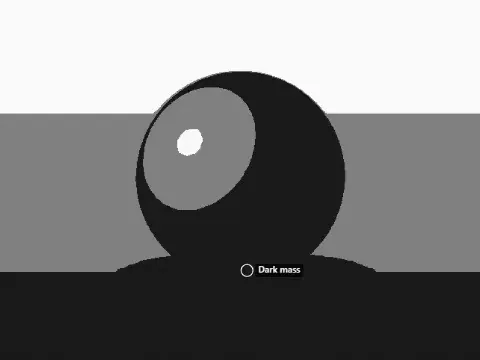
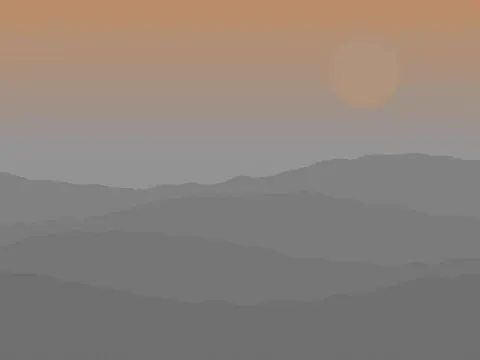
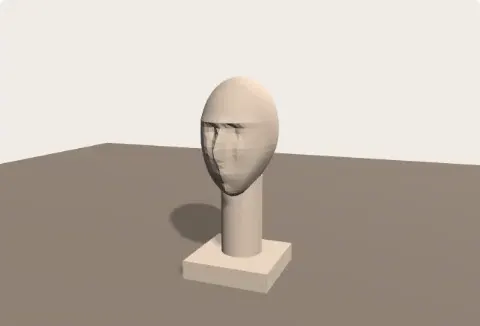
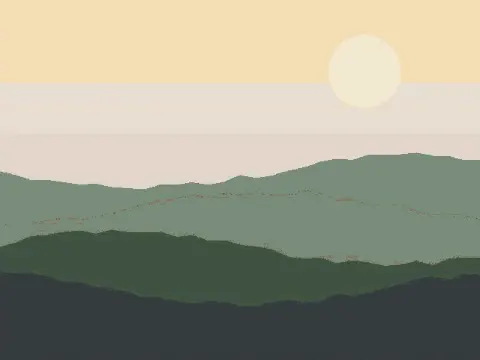
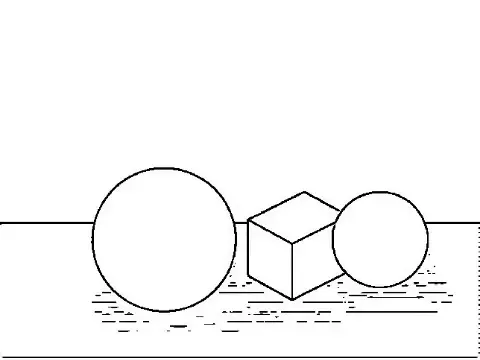
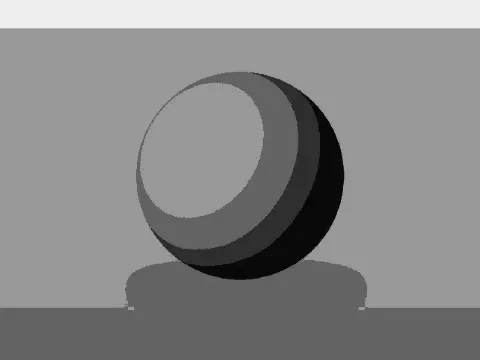
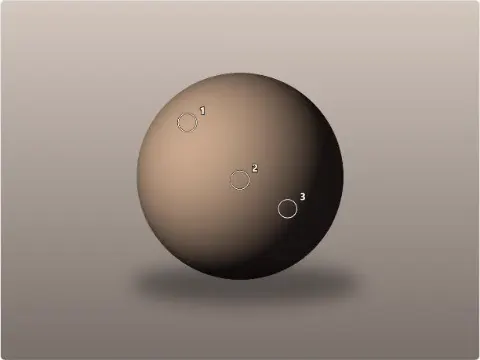
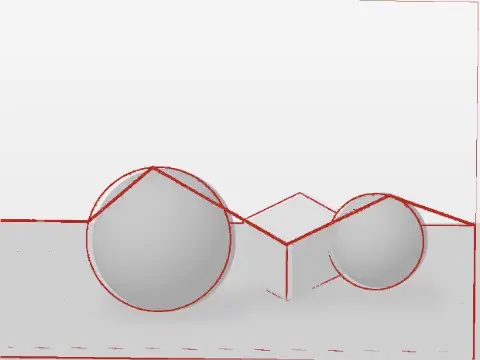
Check values, mix color, measure a drawing, price and share your work: 60 tools that run in your browser.
- Free
- No sign-up
- Your pictures stay on your device
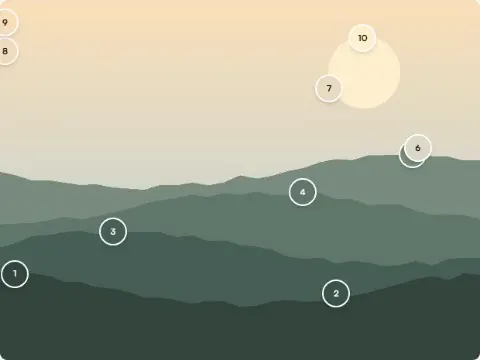
Browse tools by category
60 tools in 4 groups, each shown doing its job. Filter by category or type what you need: a technique, a problem, a file type.
Value and Tone Tools for Artists
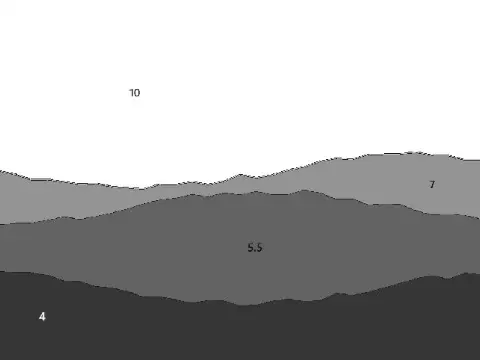
Value and tone tools show a picture's lights and darks without its color: value checker, notan, value study and underpainting.
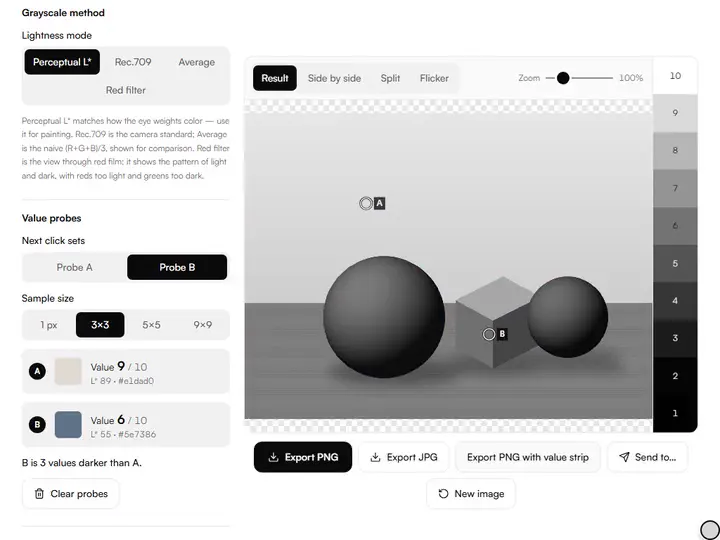
Value Checker
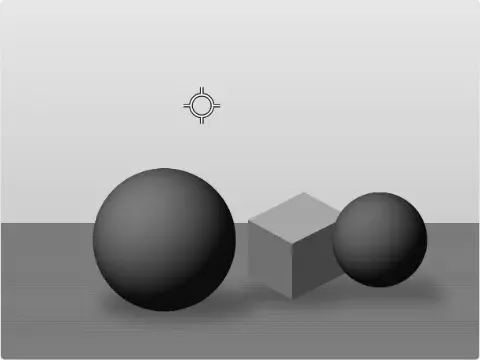
See any image in true perceptual grayscale, read values on the 1–10 artist scale, and compare your painting to its reference.
Exports PNG · JPG
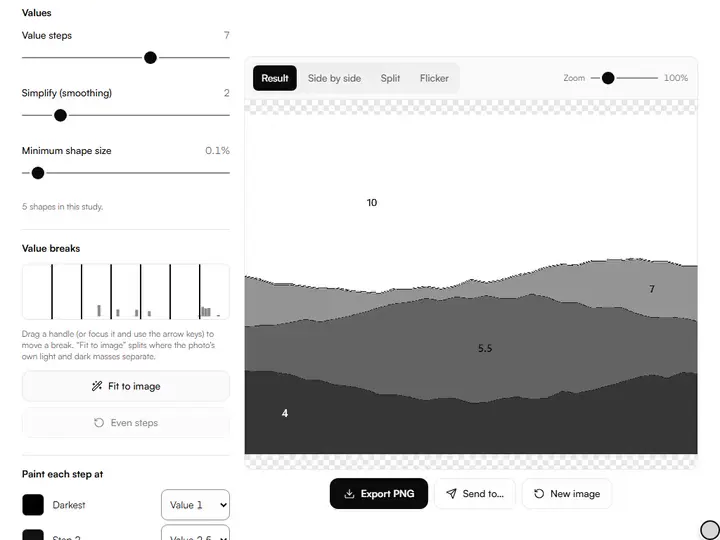
Value Study Maker
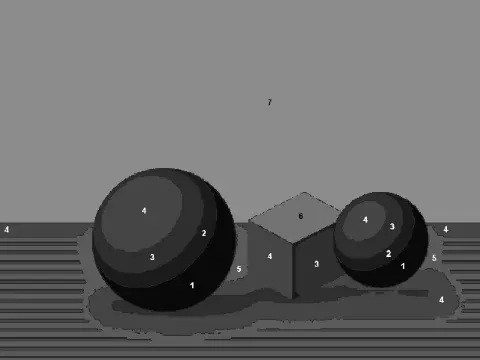
Posterize any photo into 2–10 clear value steps with custom thresholds, ready to plan or paint from.
Exports PNG · PDF
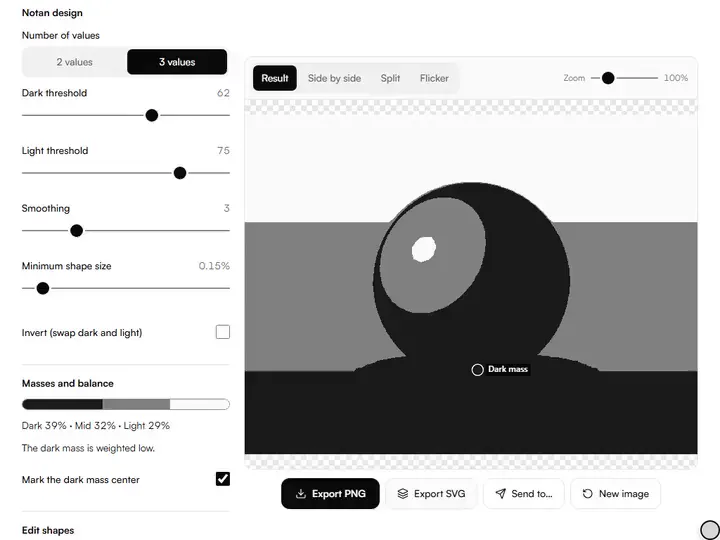
Notan Generator
Turn any photo into a 2- or 3-value notan study to plan strong light–dark composition before you paint.
Exports PNG · SVG · PDF
Color Tools for Artists
Color tools for artists extract a palette, mix paint the way pigment mixes, plan harmonies and preview a limited palette.
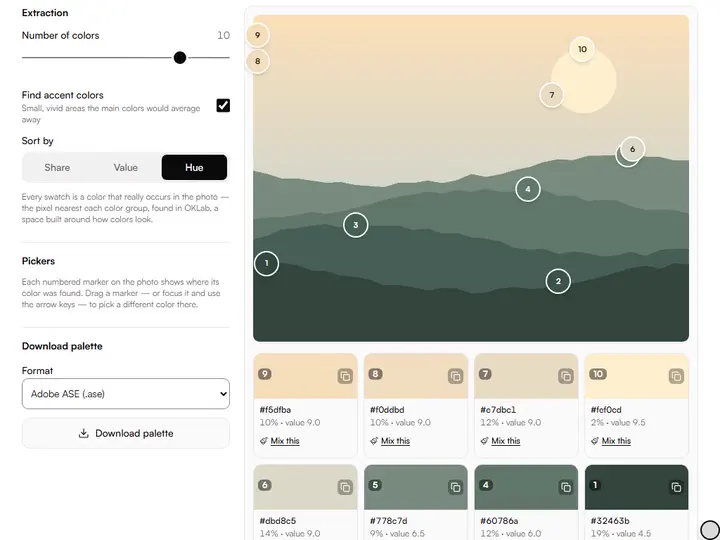
Color Palette Extractor
Pull the real palette out of any image (proportions, values and color codes included) and export it anywhere.
Exports PNG · ASE · GPL · CSS · JSON
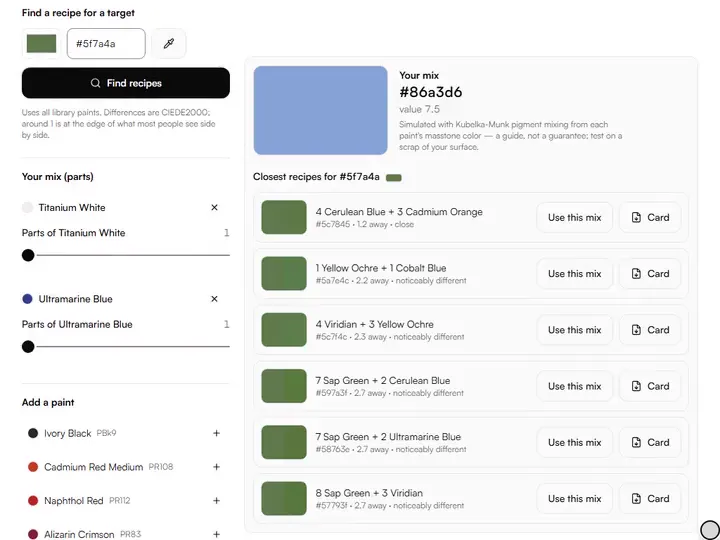
Paint Mixing Simulator
Mix real artist pigments by parts and see the color you would actually get on the palette, then find recipes for any target.
Exports PNG · PDF
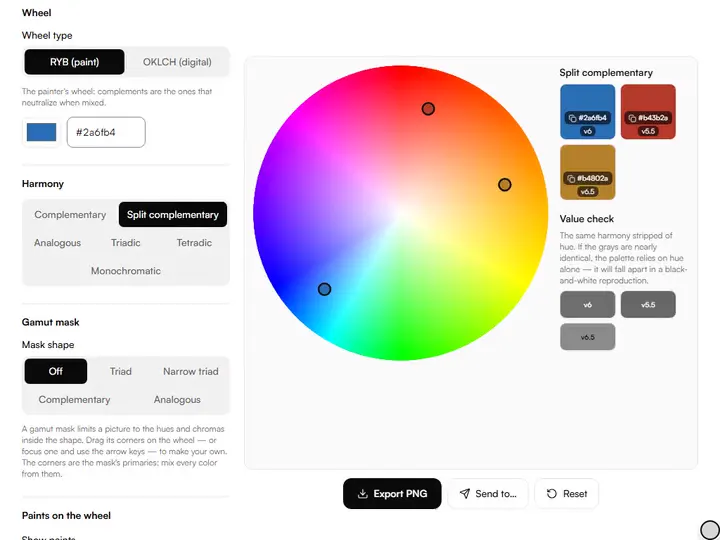
Color Wheel & Harmony Tool
A painter's RYB wheel and a digital OKLCH wheel in one: explore harmonies and check the values behind them.
Exports PNG · CSS · JSON
Drawing Practice Tools
Drawing practice tools set up the daily session: a gesture timer, prompts, drills that score the eye and a practice log.
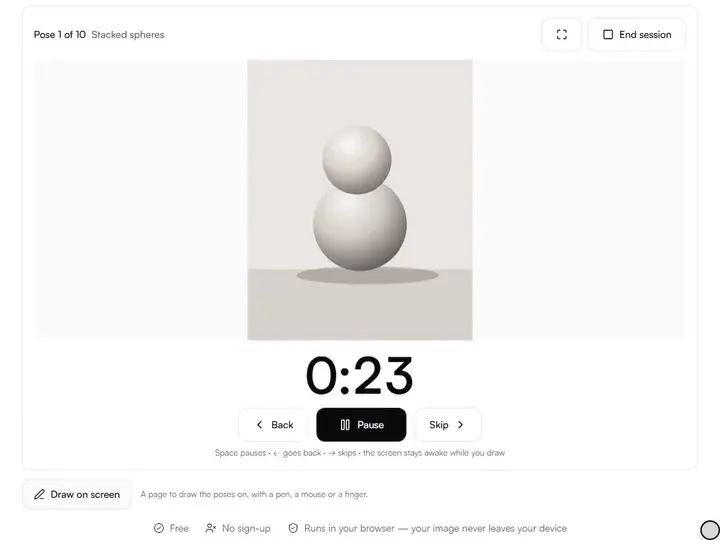
Gesture Drawing Timer
Timed gesture and figure drawing sessions with your own reference images, class-mode sequences and fullscreen focus.
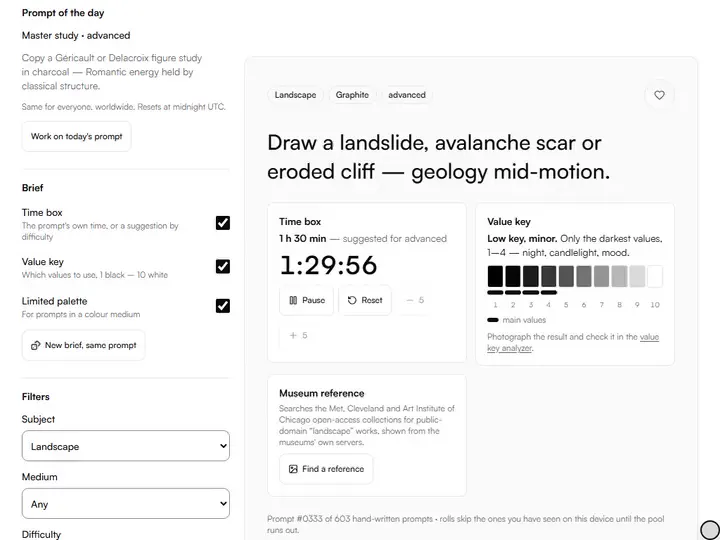
Drawing Prompt Generator
Hundreds of hand-written drawing prompts by subject, medium and difficulty, with a fresh prompt of the day.
Exports PDF
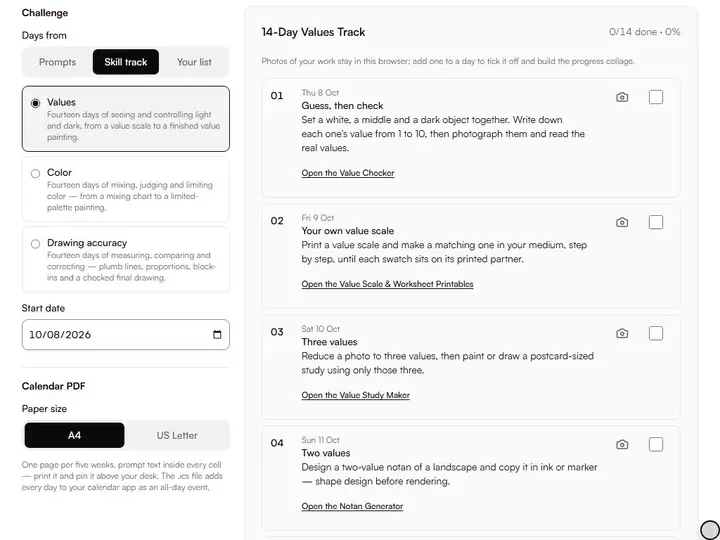
Art Challenge Generator
Build a 7-, 14-, 30- or 100-day art challenge with a theme and difficulty ramp, printable as a calendar.
Exports PDF · PNG
Artwork Photo Tools
Artwork photo tools straighten, color-correct, crop, upscale and export photographs of your art on your own device.
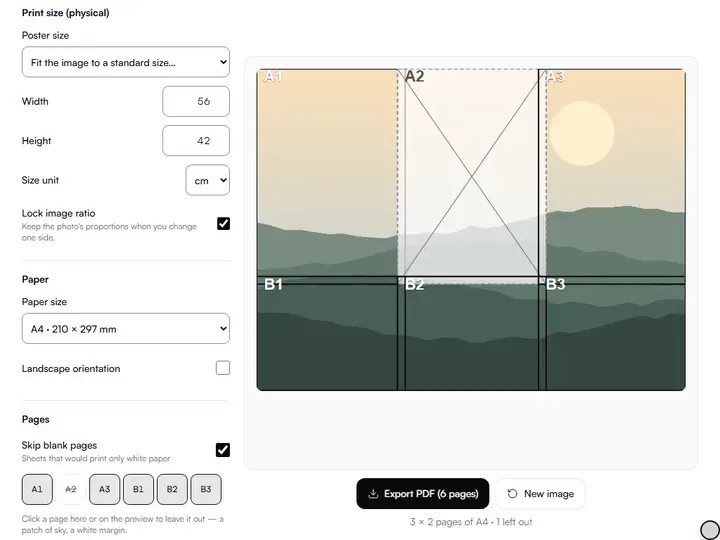
Large Print Tiler
Print any image at true size across as many A4 or Letter pages as it takes, with overlaps and alignment marks.
Exports PDF
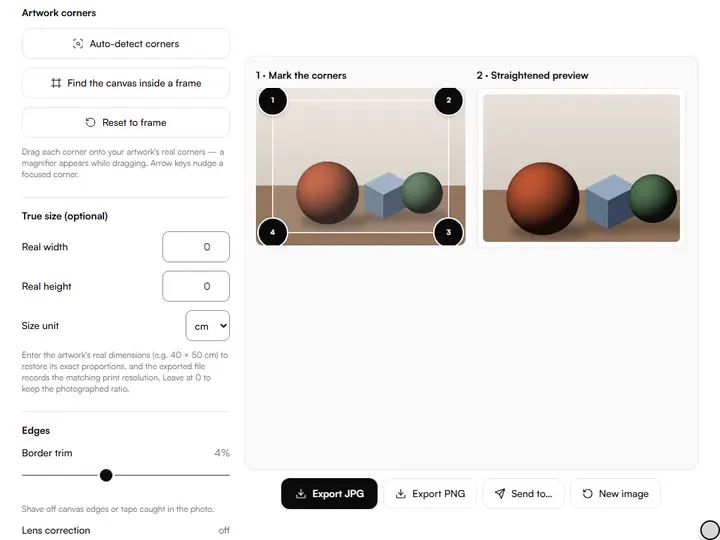
Artwork Photo Straightener
Fix the perspective of a photo of your artwork so it is flat, square and true to its real proportions.
Exports JPG · PNG
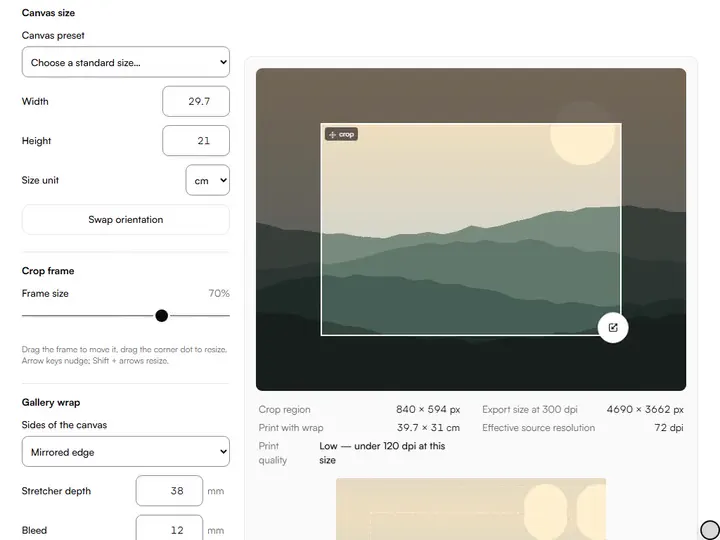
Crop to Canvas Size
Crop an image to the aspect ratio of your canvas or paper, so your reference has the surface's exact proportions before you start drawing.
Exports PNG · JPG · TIFF · ZIP
The job, and the tool that does it
Six things artists come here to do. Each opens the tool made for it.
- Check whether my values are rightValue Checker
- Plan the lights and darks before I paintNotan Generator
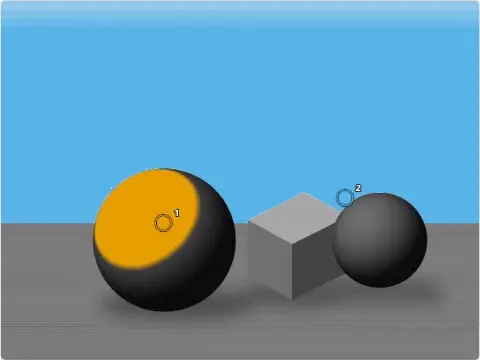
- Find the paints that mix a colourPaint Mixing Simulator
- Warm up with timed posesGesture Drawing Timer
- Square up a photo of a finished pieceArtwork Photo Straightener
- Print a reference at its real sizeLarge Print Tiler
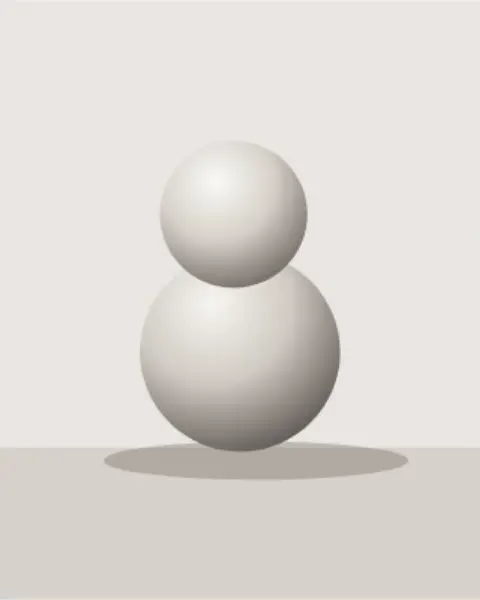
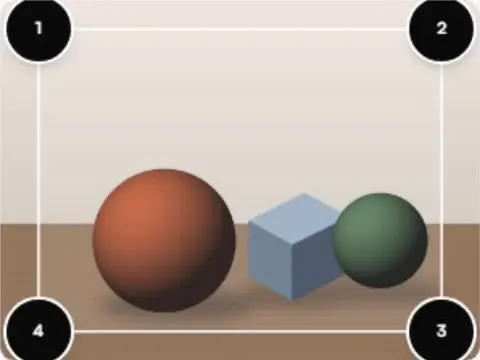
Real results, made in the browser.
Every picture below is what a tool exported from one of the sample photos you can load in it. Hover a card to see the photo it started from.
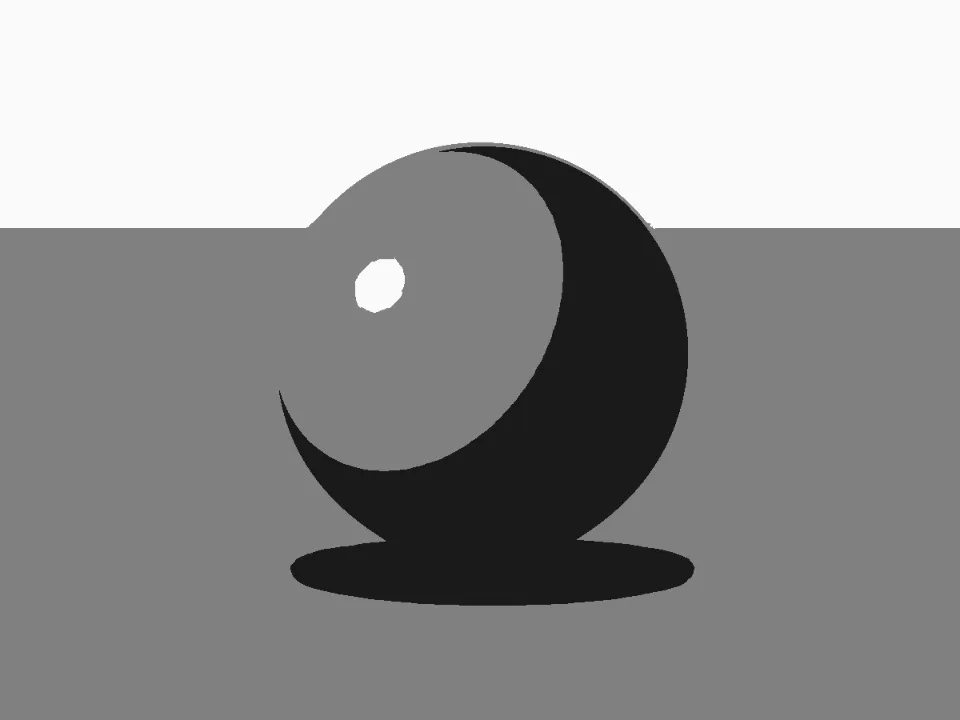
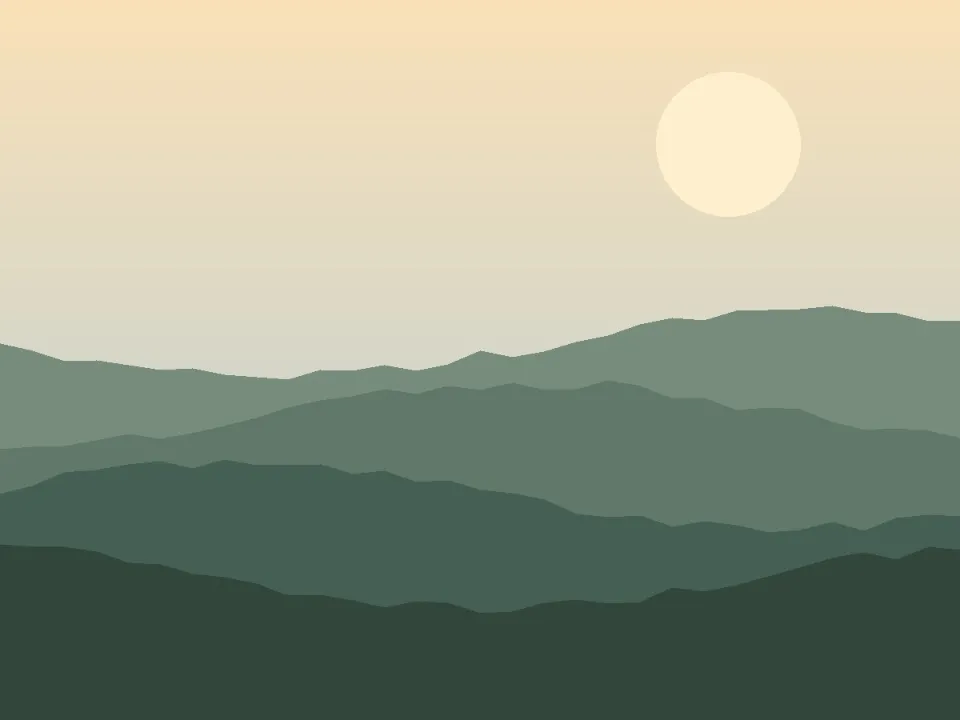
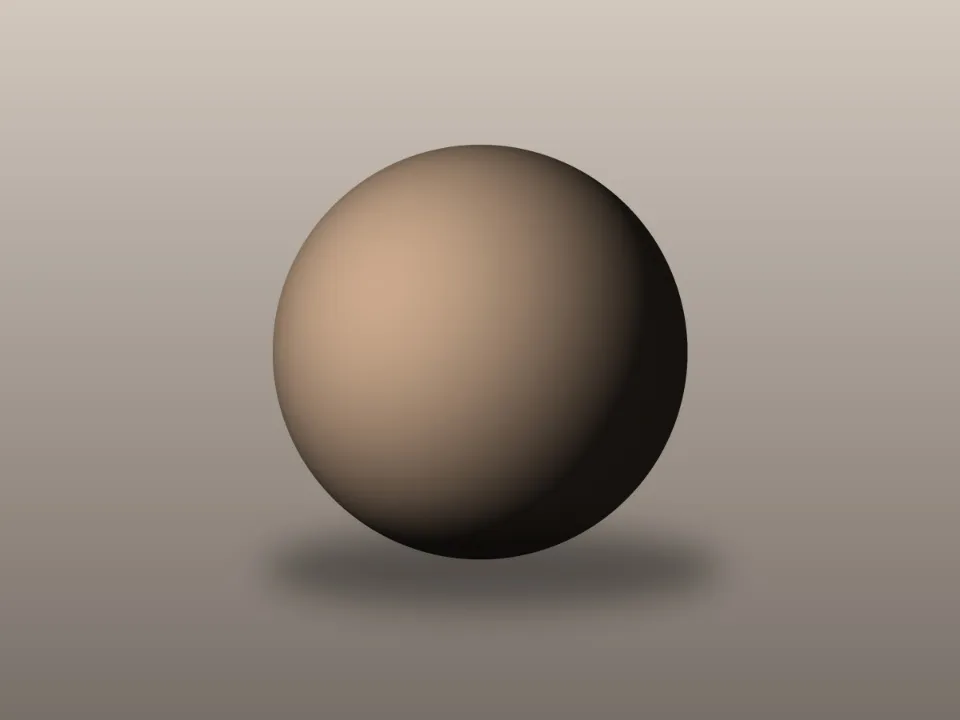 Notan GeneratorTurn any photo into a 2- or 3-value notan study to plan strong light–dark composition before you paint.3 values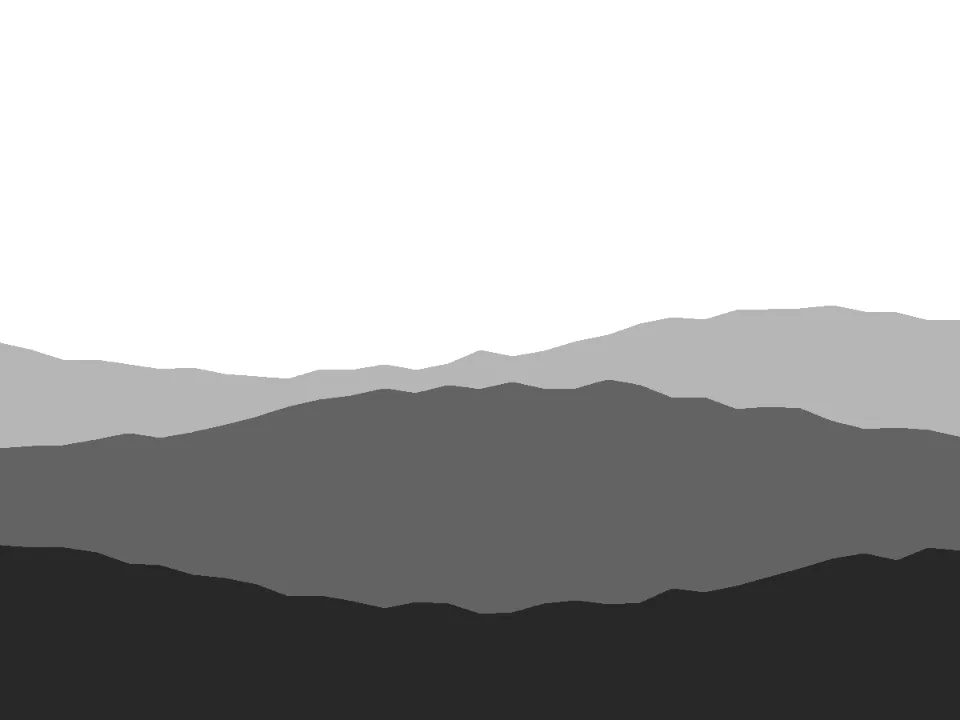
 Value Study MakerPosterize any photo into 2–10 clear value steps with custom thresholds, ready to plan or paint from.5 value steps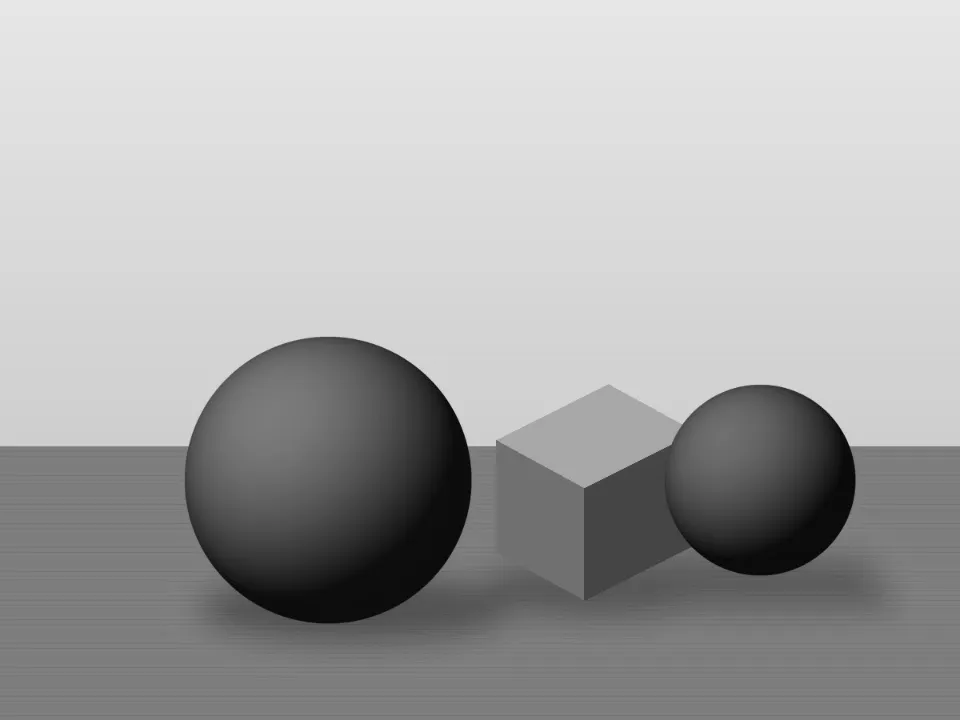
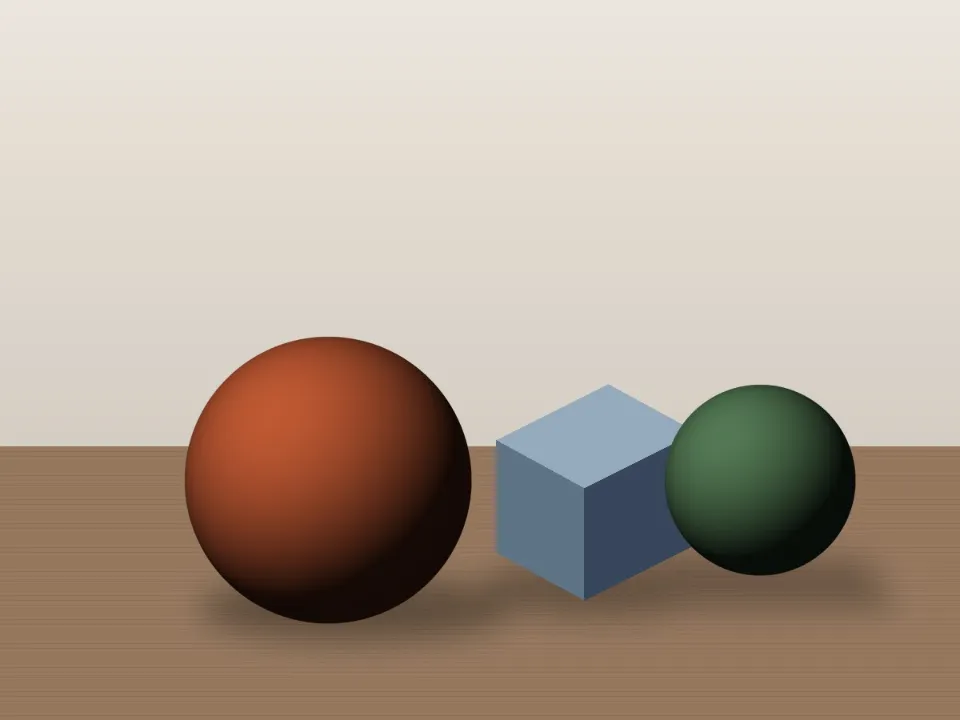 Value CheckerSee any image in true perceptual grayscale, read values on the 1–10 artist scale, and compare your painting to its reference.Greyscale value view
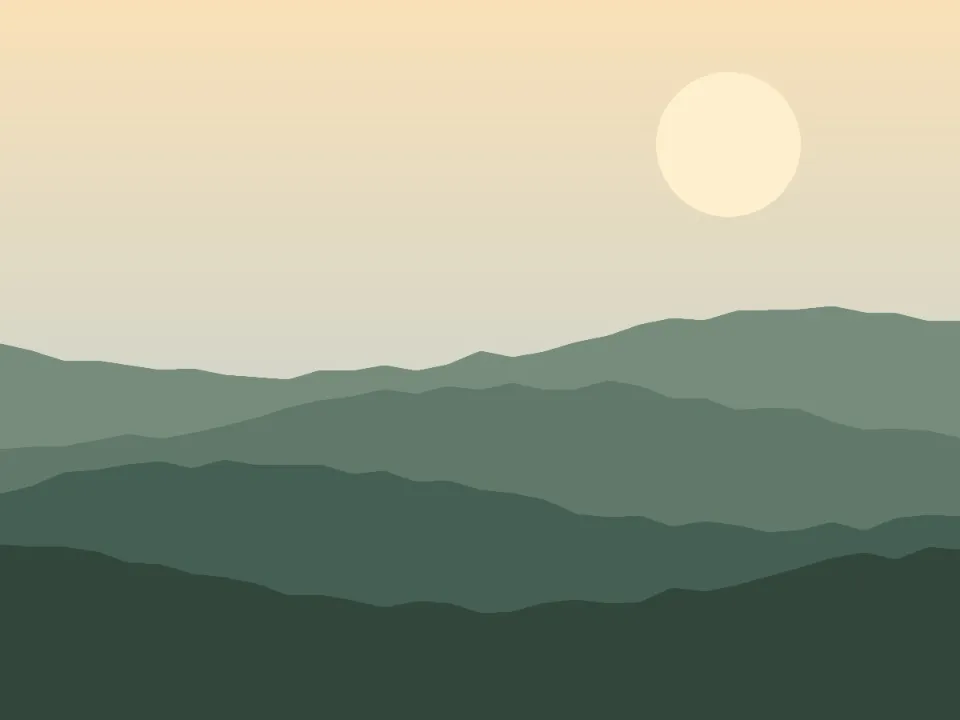 Image SimplifierStrip photo noise and fussy detail so you can see the big shapes, colors and values worth painting.Simplified shapes
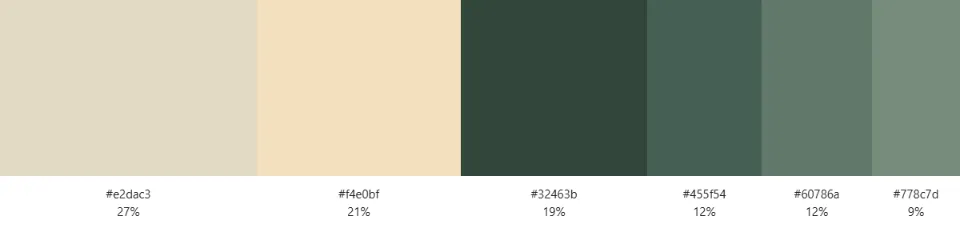 Color Palette ExtractorPull the real palette out of any image (proportions, values and color codes included) and export it anywhere.Extracted palette
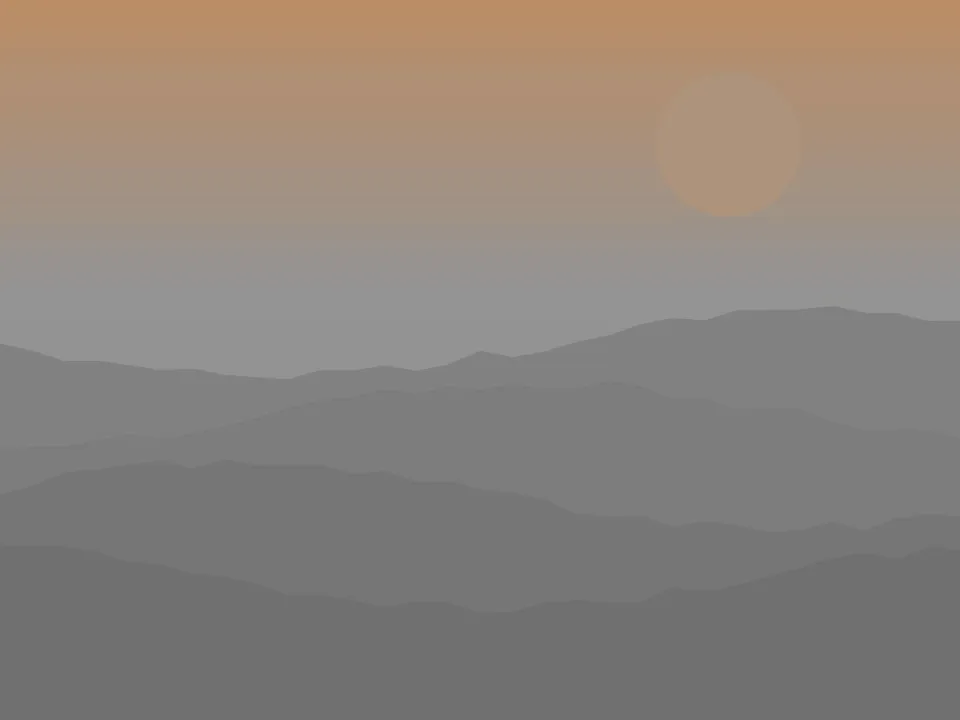 Color Temperature & Saturation MapSee where your reference runs warm or cool, saturated or quiet: the maps painters squint for.Warm and cool map
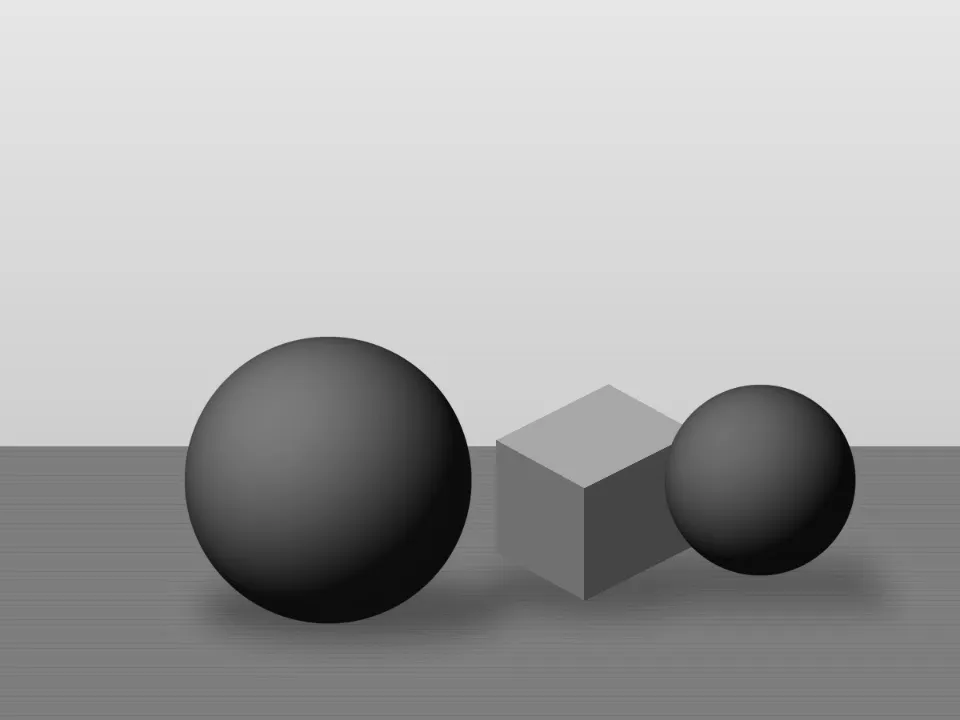 Hue / Value / Chroma SeparatorSplit any image into value-only, hue-only and chroma-only views: the Munsell way.Hue, value and chroma
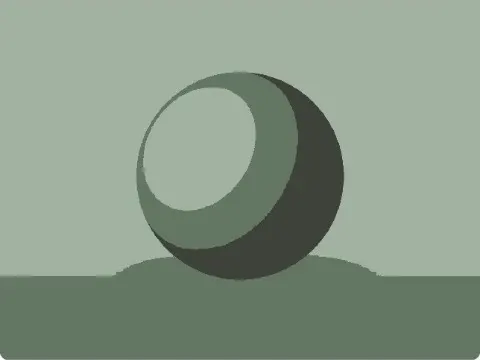
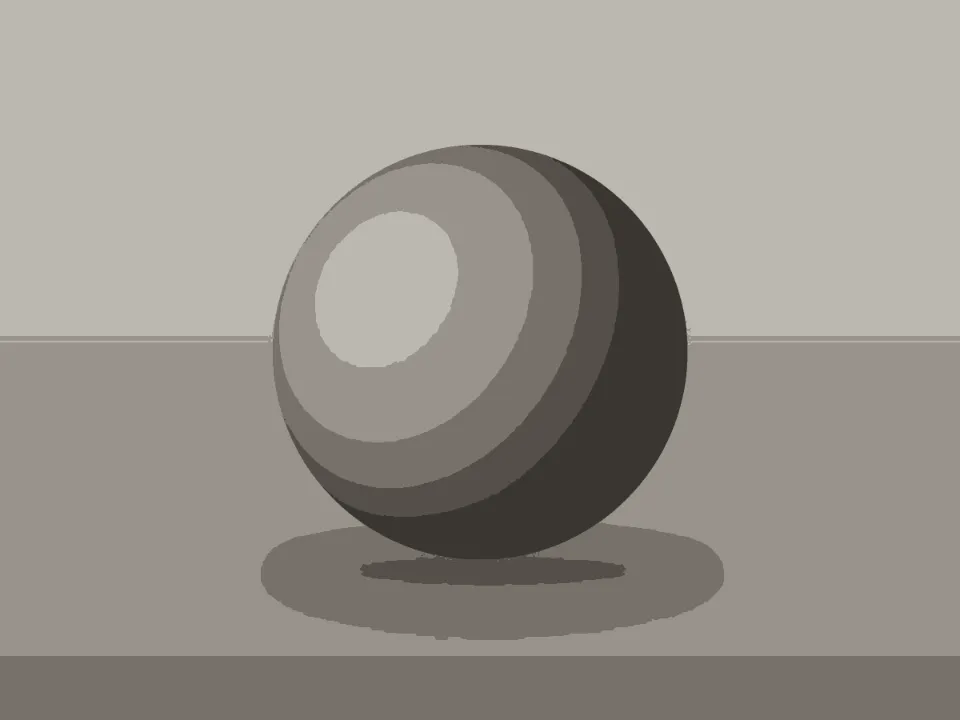 Underpainting GeneratorGrisaille, brunaille or verdaccio from any reference, each value step a real paint mix, planned pass by pass.Tonal underpainting
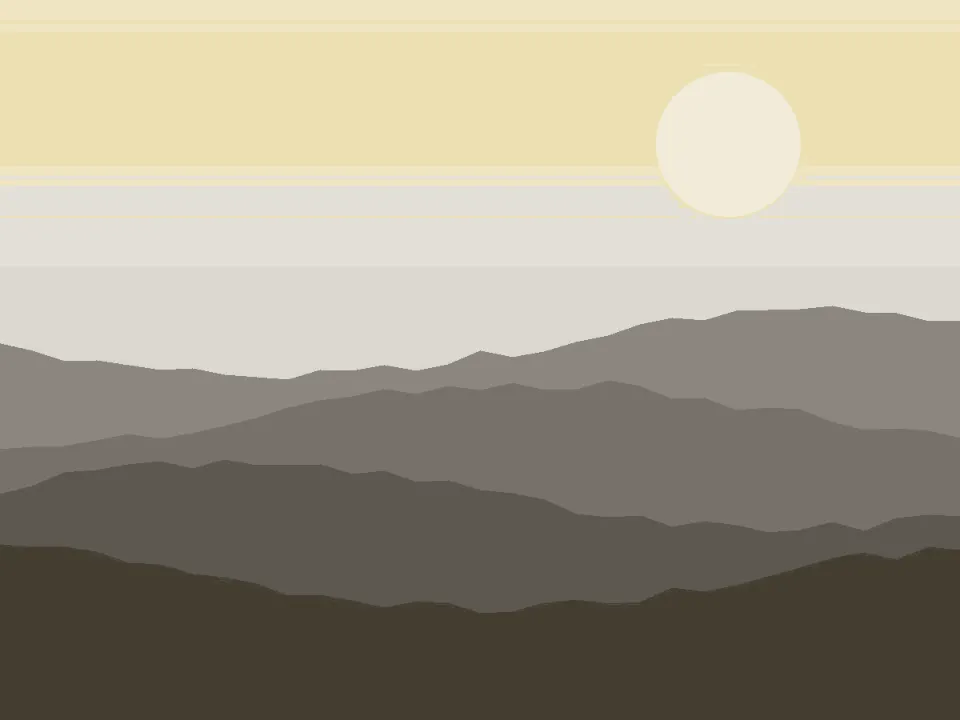 Limited Palette PreviewerPreview how your reference would look painted with a Zorn or any limited palette, mixing gamut included.Limited palette
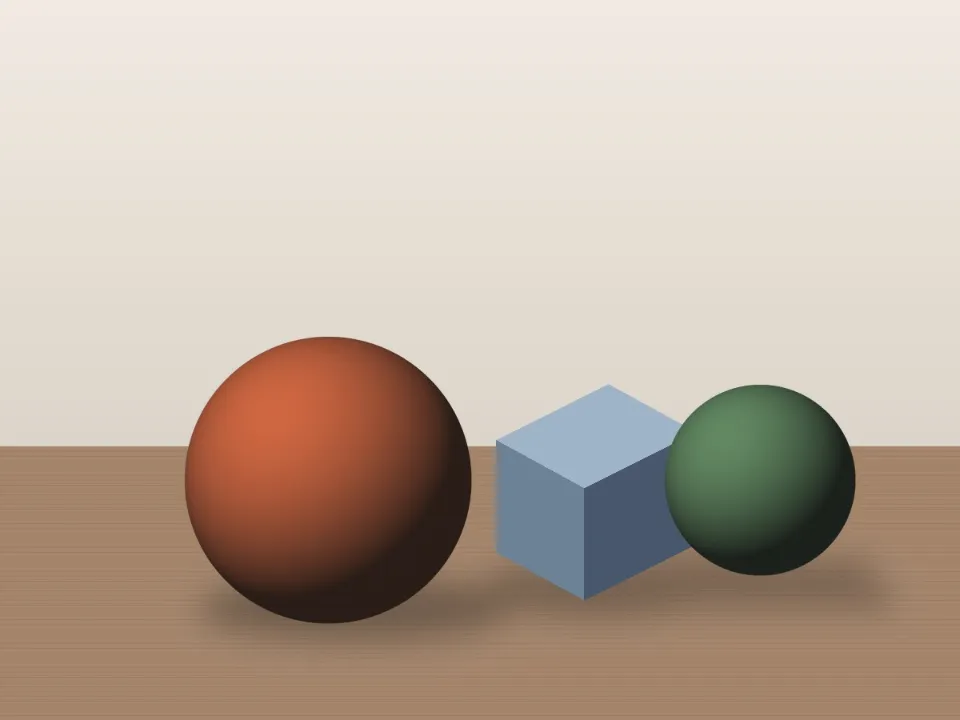 Value Range CompressorRe-key a photo into your medium's real value range, measured from your swatches, with pinned values, local contrast and a numbered map.Compressed value range
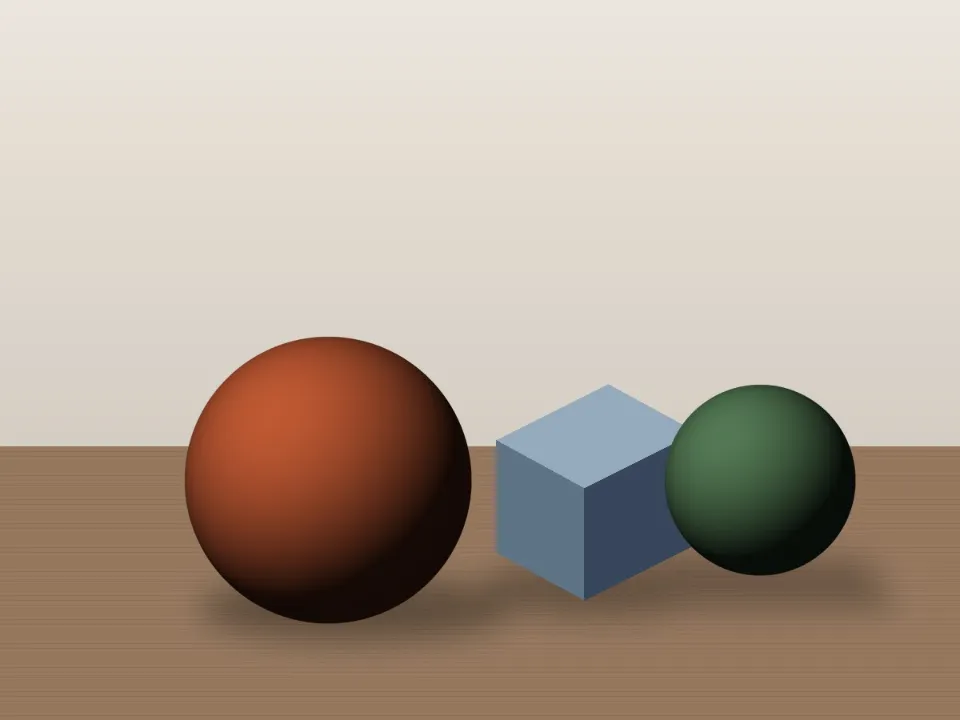 Color IsolatorClick a colour to see everywhere else that mix appears, or keep one hue family in colour while the rest goes gray.One hue isolated
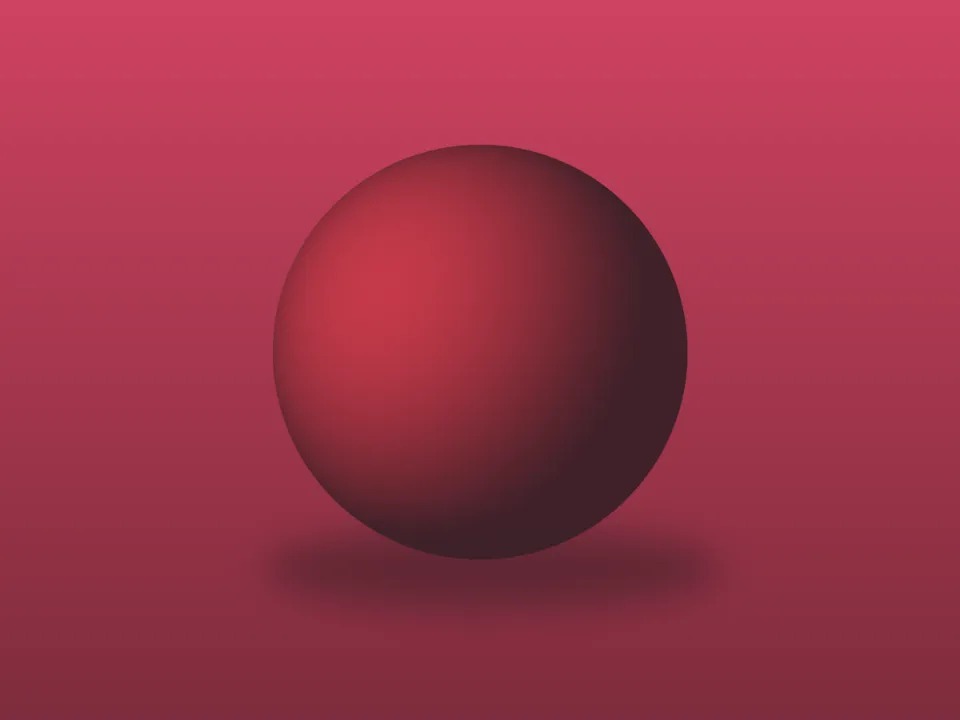 Glaze Layer SimulatorPreview glazing in oil or acrylic painting: stack glazes and scumbles of 22 pigments over a photo, each mixed with Kubelka-Munk over the layer beneath.Glaze over grisaille
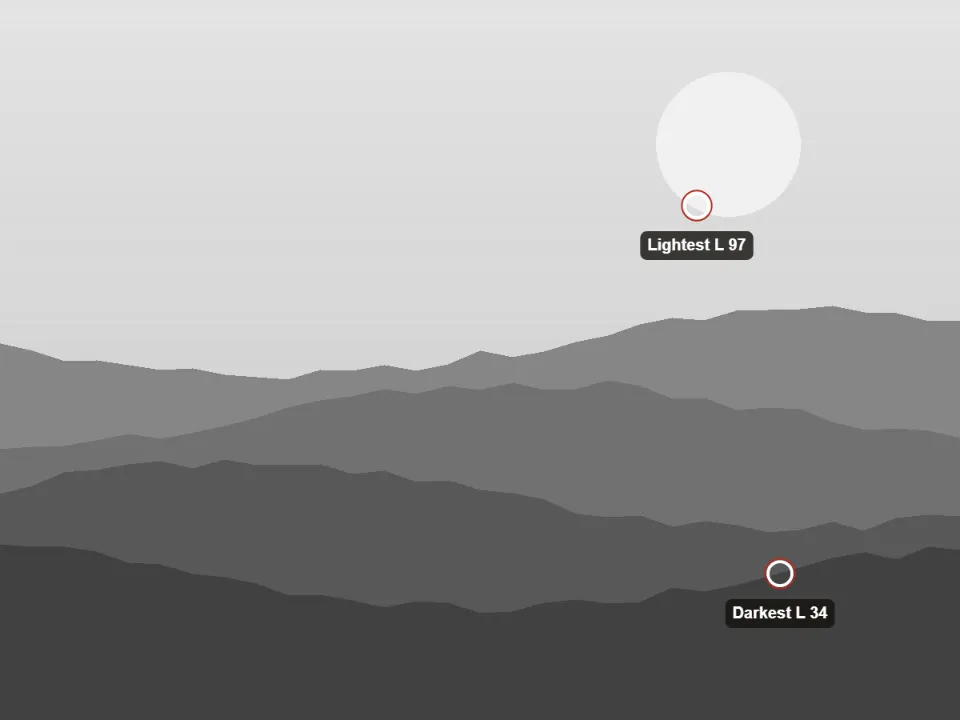 Value Key AnalyzerRead a painting's key, span and value masses, per region and depth plane, and its drift from the reference.Value key
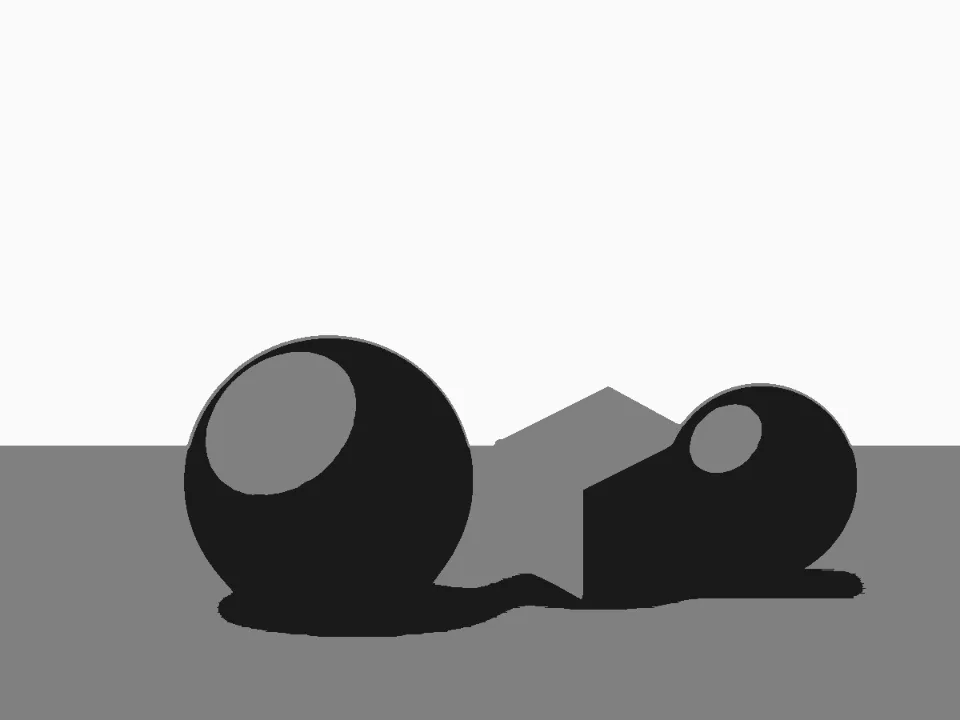 Notan GeneratorTurn any photo into a 2- or 3-value notan study to plan strong light–dark composition before you paint.3 values
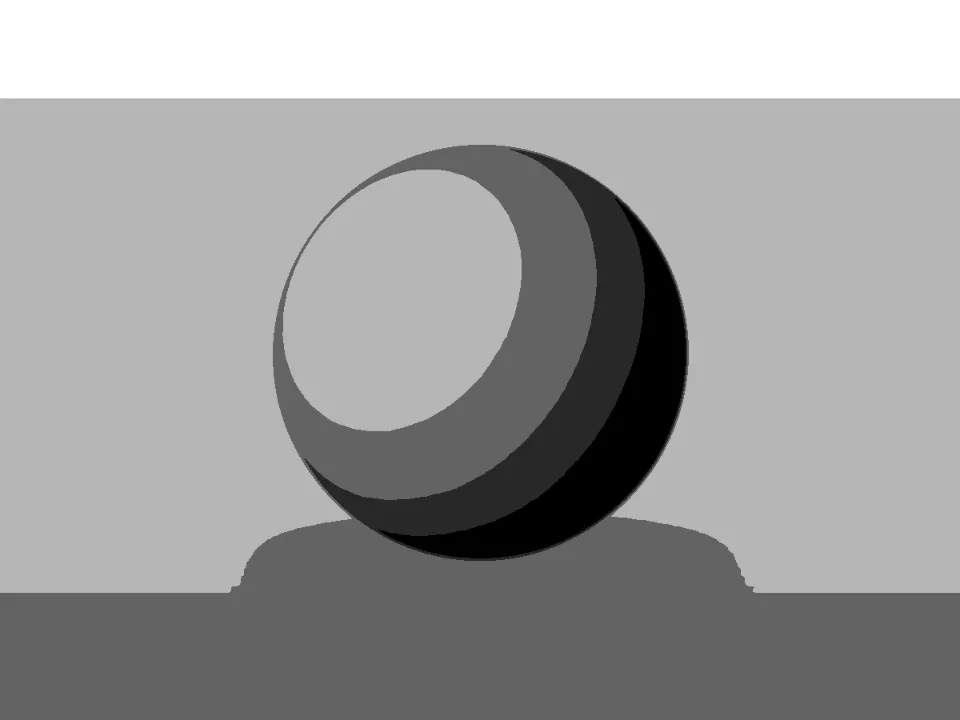 Value Study MakerPosterize any photo into 2–10 clear value steps with custom thresholds, ready to plan or paint from.5 value steps
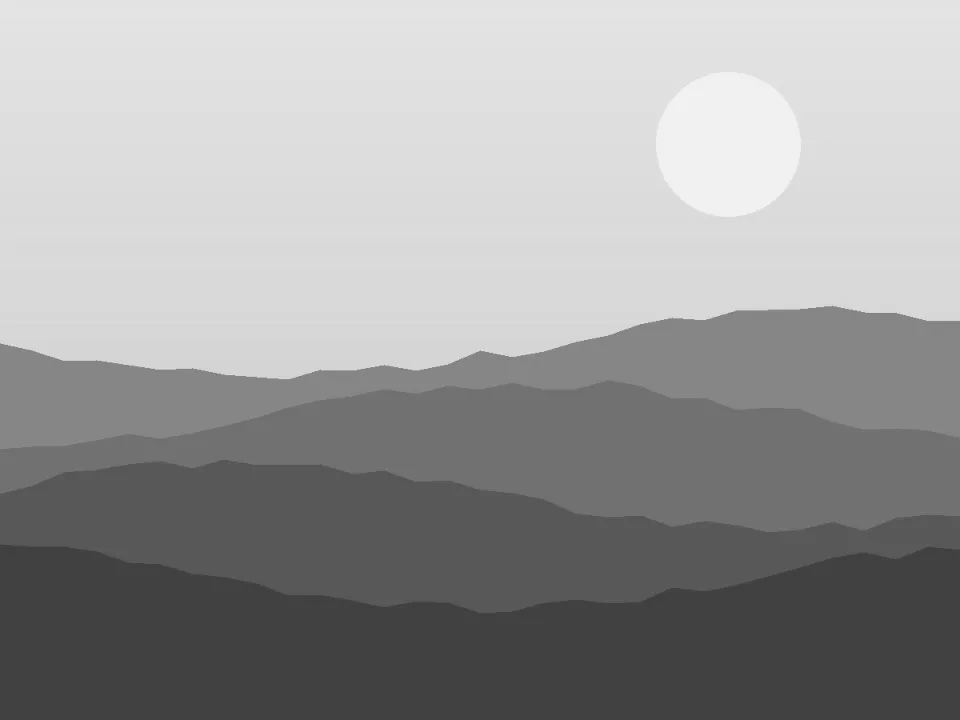 Value CheckerSee any image in true perceptual grayscale, read values on the 1–10 artist scale, and compare your painting to its reference.Greyscale value view
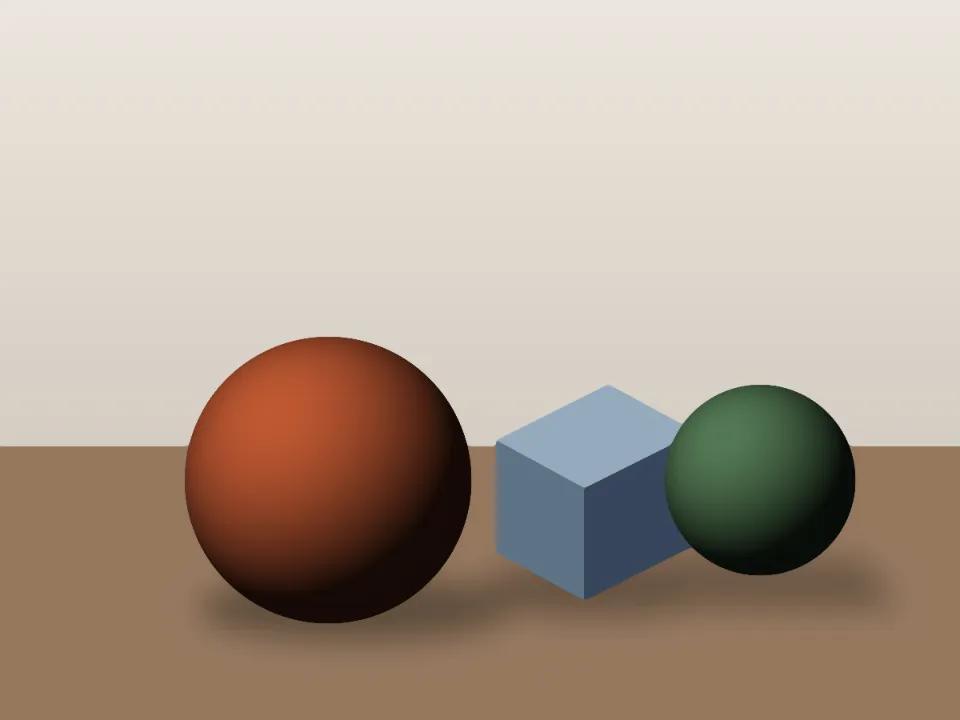 Image SimplifierStrip photo noise and fussy detail so you can see the big shapes, colors and values worth painting.Simplified shapes
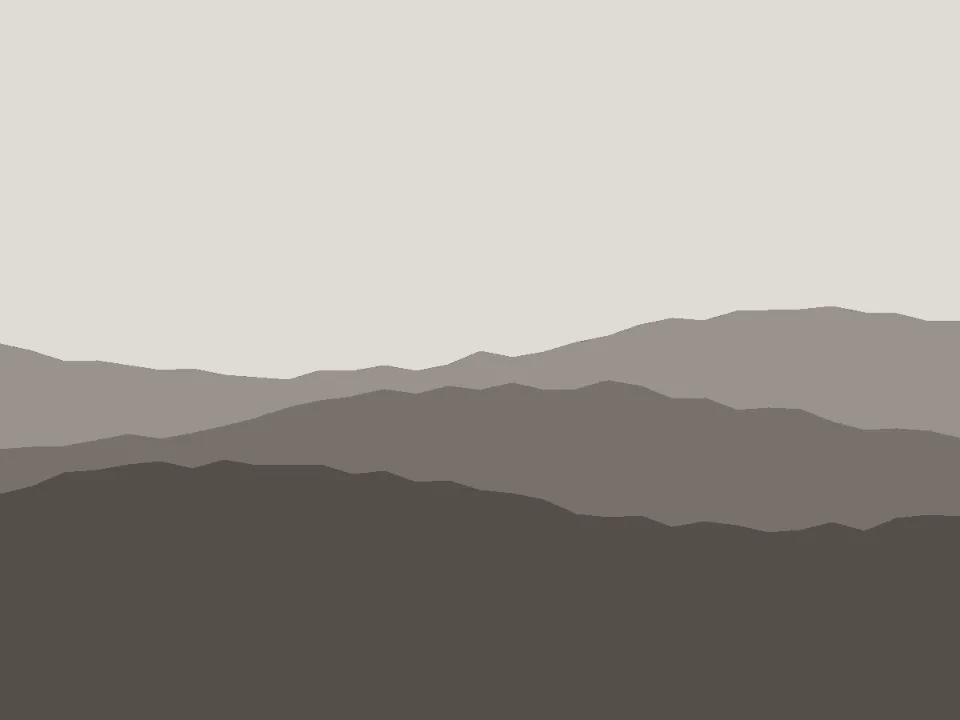 Underpainting GeneratorGrisaille, brunaille or verdaccio from any reference, each value step a real paint mix, planned pass by pass.Tonal underpainting
Before and after, side by side
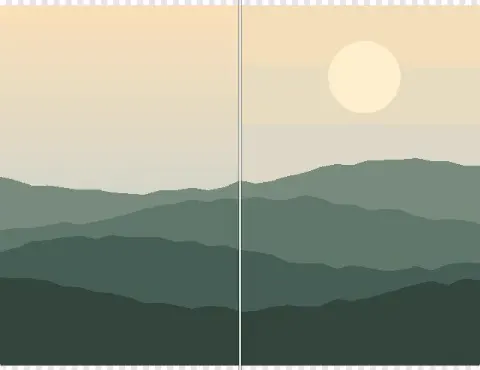
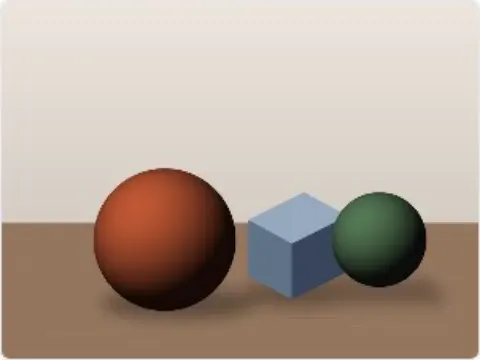
The same results, held still so you can study them. On the left is a sample photo you can load in the tool; on the right is what the tool exported from it.
- Sample photoResult
Notan Generator3 values - Sample photoResult
Value Study Maker5 value steps - Sample photoResult
Underpainting GeneratorTonal underpainting - Sample photoResult
Color Temperature & Saturation MapWarm and cool map
Made for the way you work.
Pick who you are; these are the tools written with you in mind.
For the painter at the easel
Check the values against the reference, test a palette before you mix it, and photograph the finished canvas properly.
Open, adjust, export.
The image tools all work the same way, and all of the work happens on your device.
- Drop a photo
Open a photo
Drop in a photo of your reference or your painting, or load one of the sample photos. Your browser reads it; it is never uploaded.
Adjust it
Move the settings and the result redraws as you go. Several let you hold it against the original: side by side, split or flicked.
- PNG40 tools
- PDF19 tools
- JPG12 tools
- ZIP9 tools
- CSV9 tools
- CSS5 tools
- JSON5 tools
- ASE4 tools
Export the result
Save full-resolution images, print-ready PDFs and palette files. Most tools keep your settings in the page link, so you can come back to them.
Questions, answered plainly
The 12 questions below cover cost and accounts, privacy and offline use, what a tool saves, and who makes the site.
Is ArtistTools free?
Yes, ArtistTools is free. All 60 tools are free to use, with no paid tier and no trial that runs out.
Do I need an account?
No, you do not need an account. There is no account system and nothing to sign up for. Open a tool and use it.
Are my pictures uploaded anywhere?
No, your pictures are not uploaded anywhere. When you load a photo it is read and worked on by your own browser, on your device, and it is never sent to a server. The privacy page says what the site does and does not collect.
Does it work on a phone or tablet?
Yes, ArtistTools works on a phone or tablet. Every page is laid out for a phone's width as well as a desktop's, and the picture tools can take a photo with the device's camera as well as open one from your files.
Does it work offline?
Yes, ArtistTools works offline once the site is installed on your device, because the tools run in the browser and not on a server.
Do the tools use AI?
No, most of the tools do not use AI: they are measuring, colour and layout tools. A few, such as the background remover, use a model that comes to your device from this site when the tool needs it and runs there, so your picture still goes nowhere.
What can I save from a tool?
You can save a PNG or JPG picture at full resolution from a picture tool. Planning, pricing and paperwork tools save PDFs, and where it suits the job a tool also offers SVG, CSV, Word or ZIP files.
Where are my saved records kept?
Your saved records are kept in your browser, on this device. The art inventory keeps its records that way. The invoice generator does the same. Nothing is kept on a server, so clearing the browser's site data removes them.
Does the site use cookies or show ads?
The site does not use cookies unless you agree in the banner, and it shows no ads. If you allow it, visits may be counted with Google Analytics, Microsoft Clarity or PostHog, which never see your pictures, the tool you work in or anything you type. Every tool works the same if you say no.
Where are the drawing grids?
The drawing grids are on GridMakerPro, our sister site, with composition guides and printable grid paper. The collections here link straight to the grid that fits.
Who makes ArtistTools?
Sujith Puthran, a visual artist, makes ArtistTools. The about page says more.
Can I ask for a tool that is missing?
Yes, you can ask for a tool that is missing. Use the suggest a tool page and say what you need it to do. Suggestions from practising artists shape what is built next.
ArtistTools is built by Sujith Puthran, a visual artist with more than fifteen years of practice in charcoal, graphite, oil, coloured pencil, pastel and acrylic.
He also founded ArtisticMasterclass, GridMakerPro and ArtistOpportunities. The tools here are the ones an artist reaches for at the easel and at the desk, in one place and with one way of working.
About the siteFrom our family
Articles are written on GridMakerPro, our sister site for grids and composition. These open there, in a new tab.
All guides- GridMakerPro: Drawing grids, composition guides and printable grid paper
- ArtisticMasterclass: Articles, art history and medium-first supply guides
- ArtistOpportunities: Open calls, grants, residencies and competitions
- 3DAnatomyPro: 3D anatomy and figure reference models
- ShowcaseYourArt: Preview your artwork on walls and in rooms